Managing your till/cash drawer
Open your register at the start of a shift, log cash in/out, and close it out at the end.
The Till page tracks the actual cash in your drawer for a work session, separate from the sales themselves.
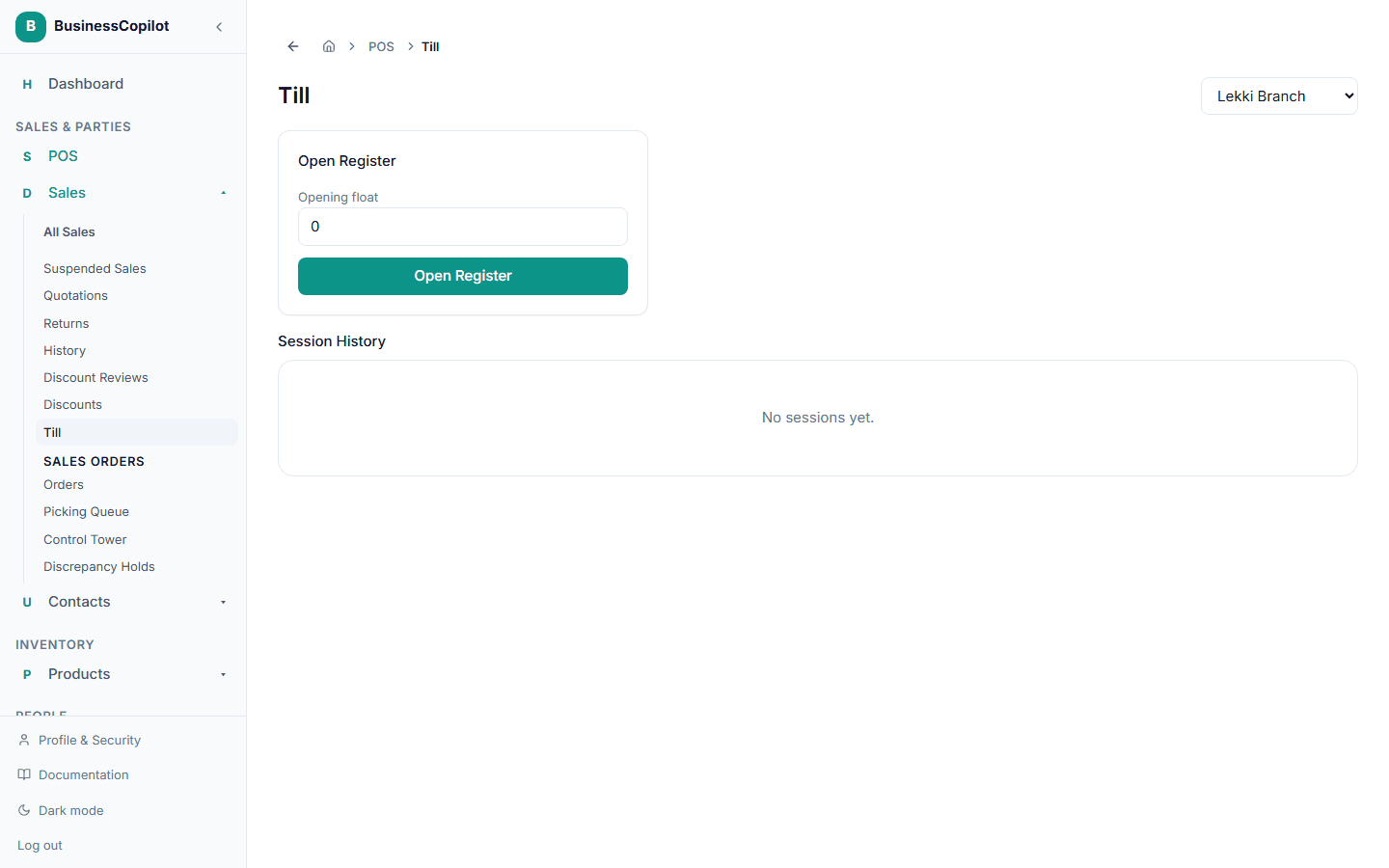
Opening your register
- From the Sales Menu, select Till.
- Choose your branch, if you work at more than one.
- Enter your Opening float — the cash you're starting the session with.
- Select Open Register.
During your session
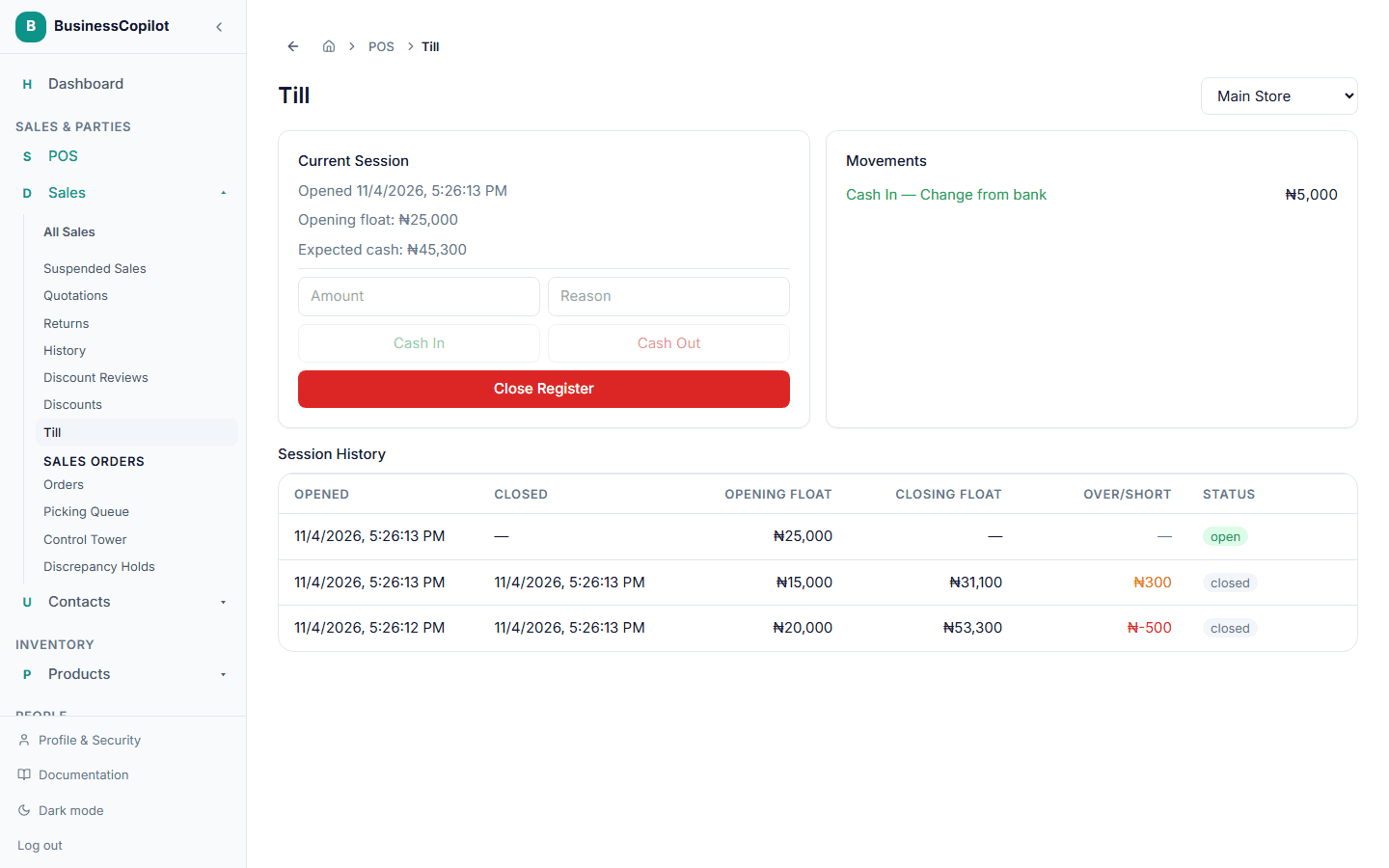
While your register is open, you can see your opening float and BusinessCopilot's expected cash total (based on your opening float plus every cash sale and movement since). To log cash moving in or out of the drawer for a reason other than a sale — like putting in change, or taking cash out for a supplier payment:
- Enter the Amount and a Reason.
- Select Cash In or Cash Out.
Closing your register
- Select Close Register.
- Enter the Counted cash — what you actually count in the drawer.
- Select Close.
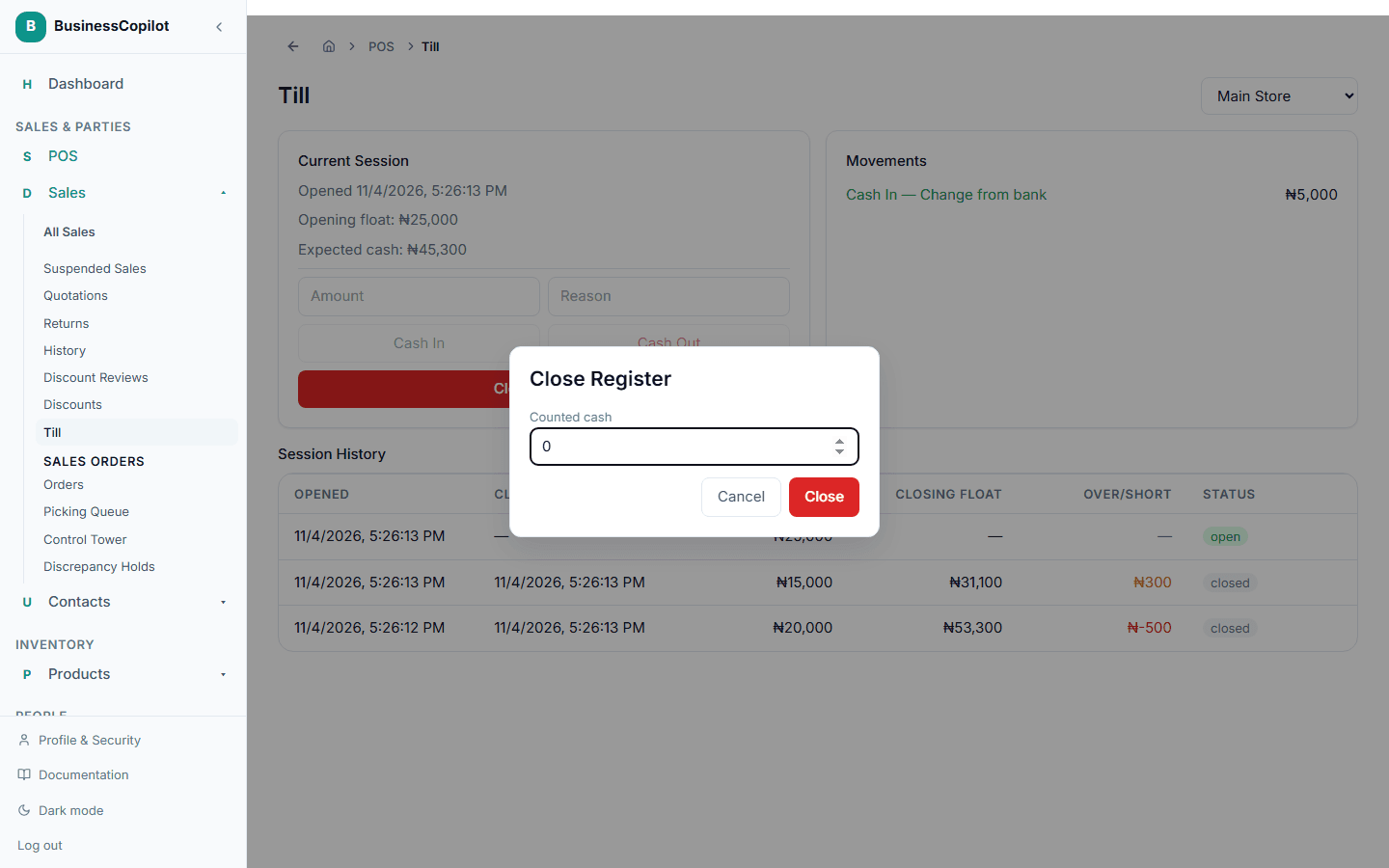
BusinessCopilot compares your counted cash to what it expected and records the difference (over or short) against that session, so you have a record if the numbers don't match. Past sessions, including their over/short results, are listed at the bottom of the Till page.