Your own note types
Add your own kinds of clinical note next to the built-in ones, rename them, and switch them off when you stop using them.
BusinessCopilot comes with six clinical note types. If your business writes a kind of note they don't cover — wound care, a diabetes clinic, a vaccination review — add your own.
You need View on Clinical Notes to see the list, Create to add a type, and Edit to rename or switch one off.
The built-in types
Consultation, Medication review, Follow-up, Counselling, Adverse event and General. They can't be changed or removed.
Adding your own
- Go to Clinical Suite → Clinical Notes → Types (on the mobile app, the Note types chip).
- Select Add note type.
- Type a Name — for example "Wound care".
- Select Add.
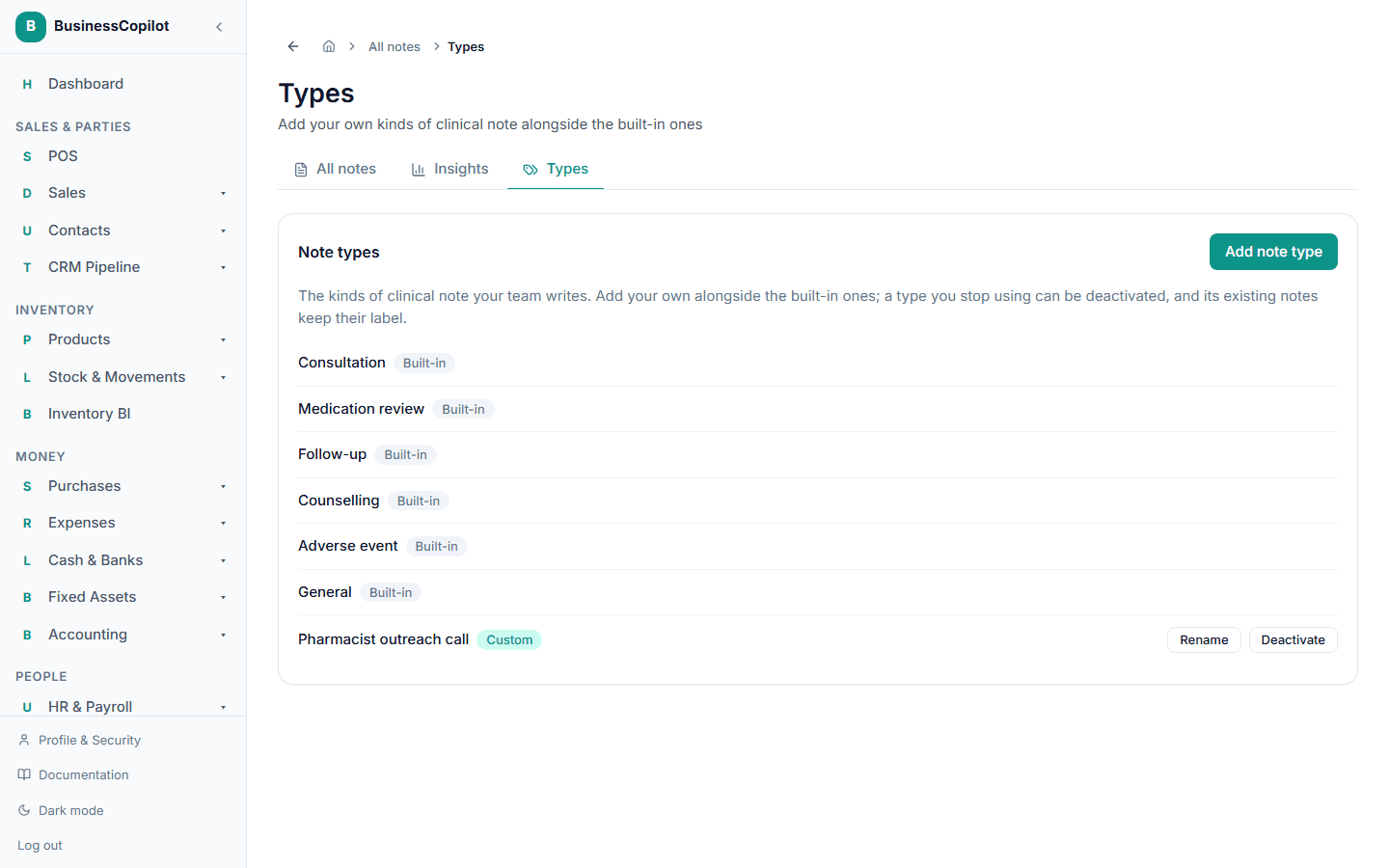
Your type now appears at the end of the Type list when someone writes a note, marked Custom on the Types page.
Rules for names
- 2 to 60 characters.
- It can't repeat a built-in name ("Consultation") or another of your own, in any capital letters.
- You can have up to 50 custom note types.
- Note types are separate from appointment and follow-up types. The same name can exist in each list.
Renaming
- On the Types page, select Rename next to your type.
- Change the Name and select Save.
The new name shows everywhere straight away — on old notes too, because they point at the type rather than holding a copy of its name.
Switching a type off
You can't delete a type, because notes already use it. Select Deactivate instead:
- It disappears from the Type list when writing a new note, so nobody picks it by mistake.
- Notes that already use it are unaffected — you can still open and edit them, and they keep the type's name. (Editing a note doesn't force you to change its type.)
- It stays on the Types page marked Inactive, and Reactivate brings it back.
Changing an existing note to an inactive type isn't allowed.
Good to know
- Types belong to your business. Other businesses never see yours.
- If someone switches a type off while you have the note form open, saving gives "choose a note type from the list". Pick another type.