Logging customer communication
Keep a record of calls, emails, and other conversations with a customer.
Open a customer's or lead's own page and find the communication log.
- Choose the Channel — Call, Email, WhatsApp, In Person, or Other.
- Enter a short summary of what was discussed.
- Submit.
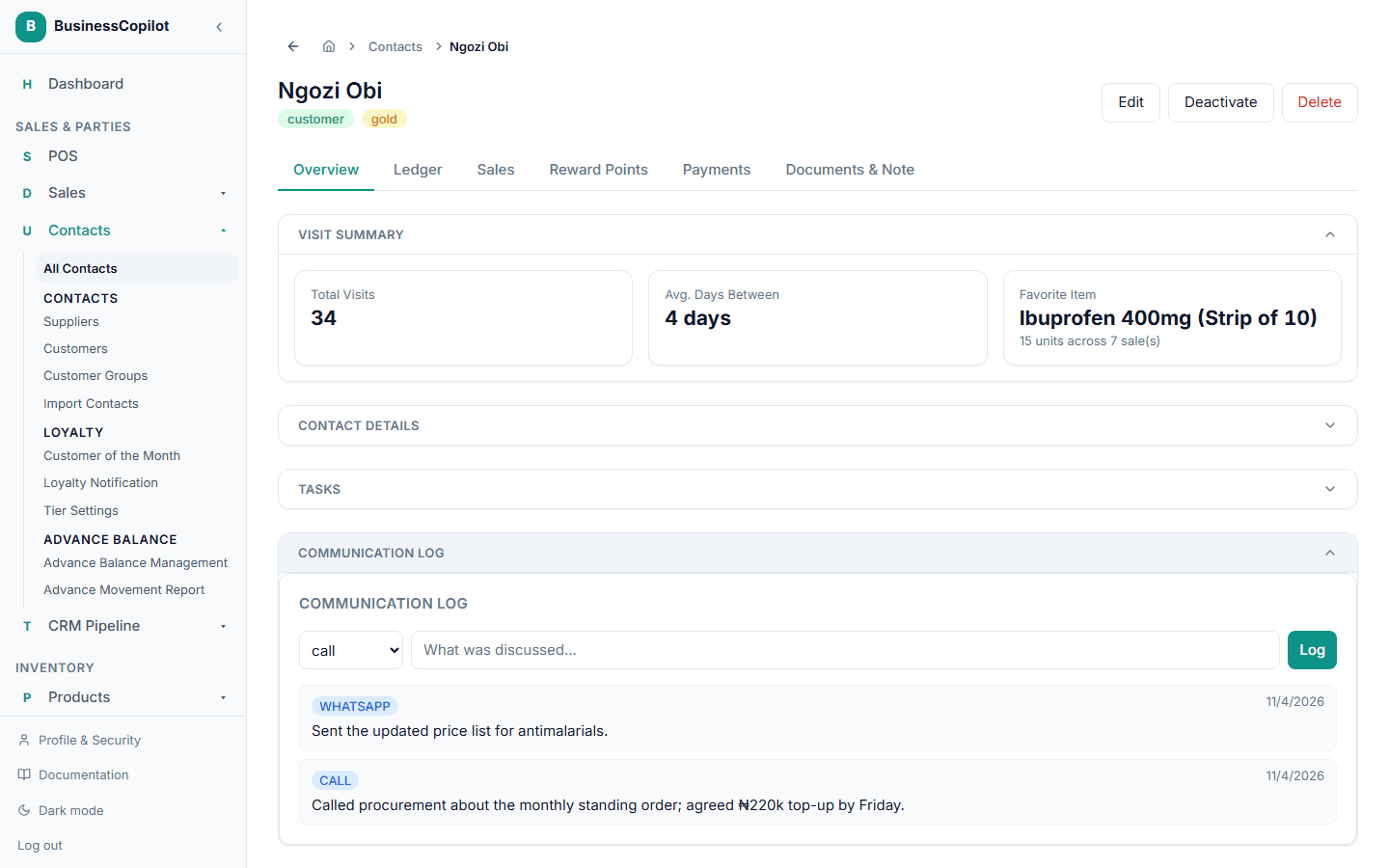
Every entry stays on that customer's record, so anyone on your team who opens their page later can see the full history of contact, not just what they personally remember.
The contact overview
A customer's or supplier's Overview is split into seven sections. The sections start collapsed so the page stays short. Select a section's heading to open it. On the web and desktop app the app remembers which sections you opened on that computer; on the phone app they reset when you leave the screen.