Draft sales and quotations
Pause a sale for later, or give a customer a price estimate before they commit.
These are two different ways to hold off on completing a sale.
Suspended sales
Use this when a customer steps away, or you need to free up the till for the next person without losing what's already in the cart.
- Build up the cart as normal on the checkout screen.
- Select Suspend in the bottom action bar.
The cart clears and the sale is saved. To come back to it:
- From the Sales Menu, select Suspended Sales.
- Find the sale in the list and select Resume.
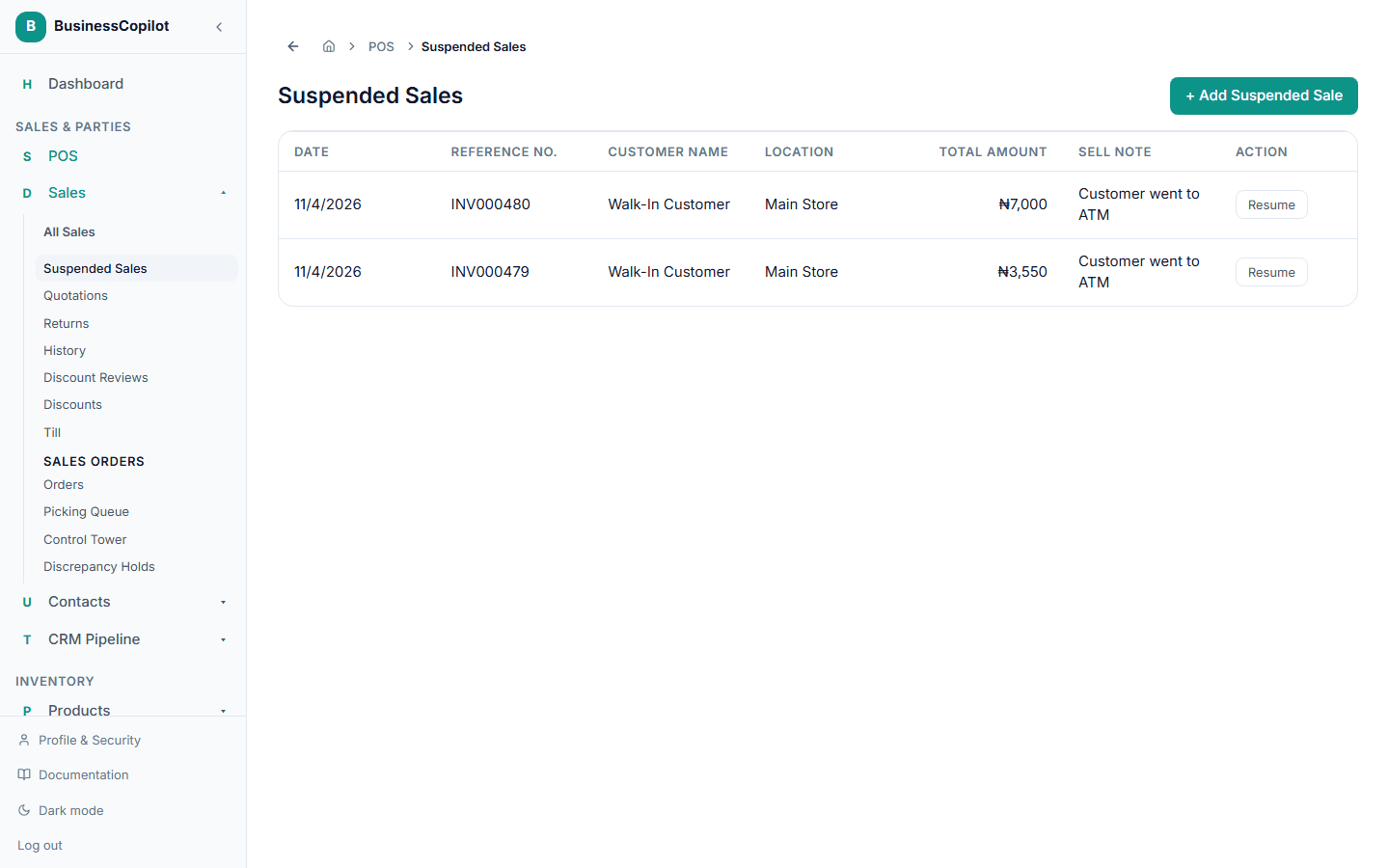
This takes you back to checkout with everything reloaded, ready to take payment.
Quotations
Use this when a customer wants a price estimate before they decide — a quotation isn't a real sale and doesn't affect your stock until it's converted.
- Build up the cart as normal, with a customer selected (quotations always need a named customer).
- Select Quotation in the bottom action bar.
To convert an accepted quotation into a real sale:
- From the Sales Menu, select Quotations.
- Find it in the list and select Convert to Sale.
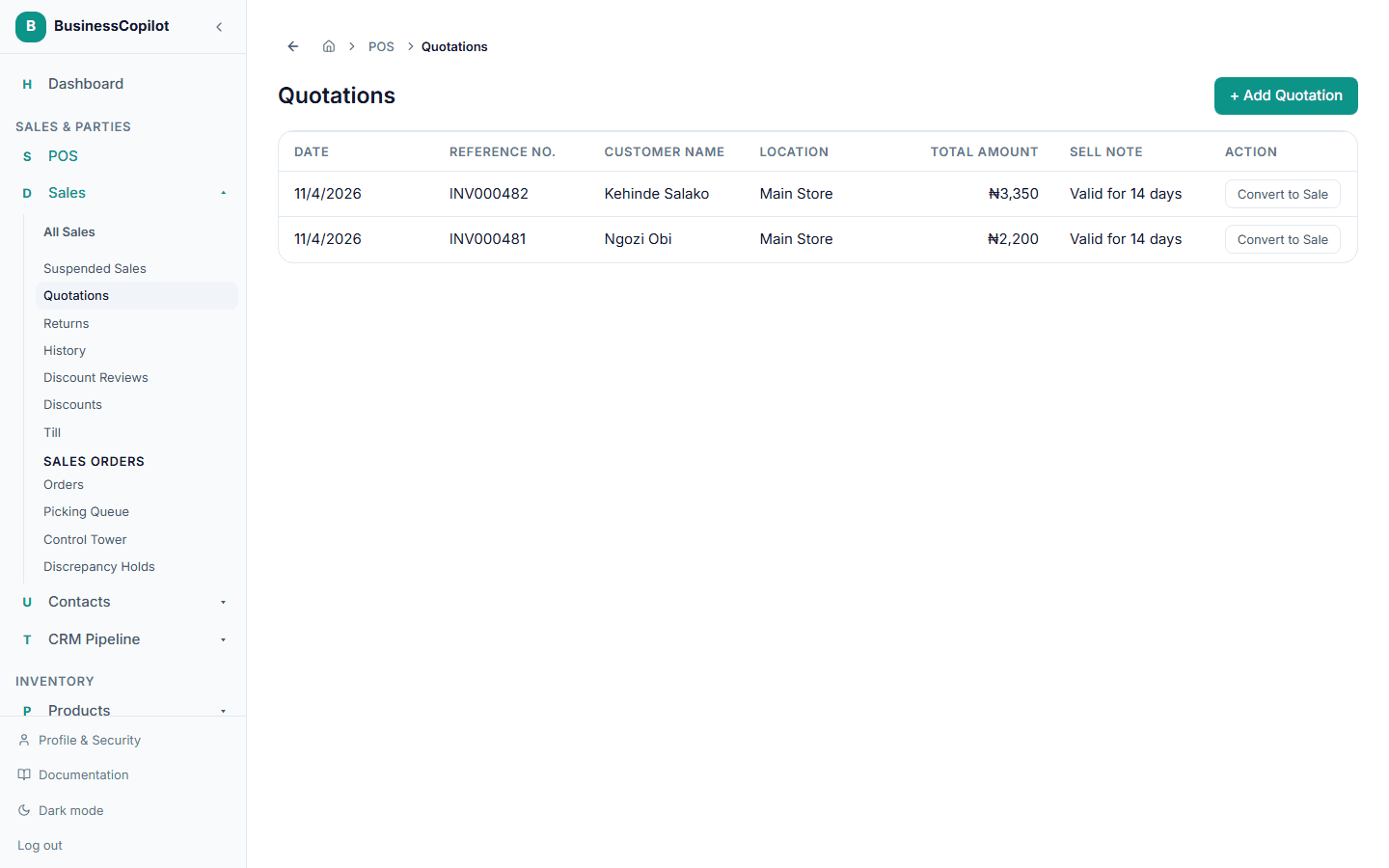
This loads it back into checkout, where you take payment like any other sale — that's the moment it actually reduces your stock.