Invoice Settings
What appears on every generated Sale invoice and Purchase Order document.
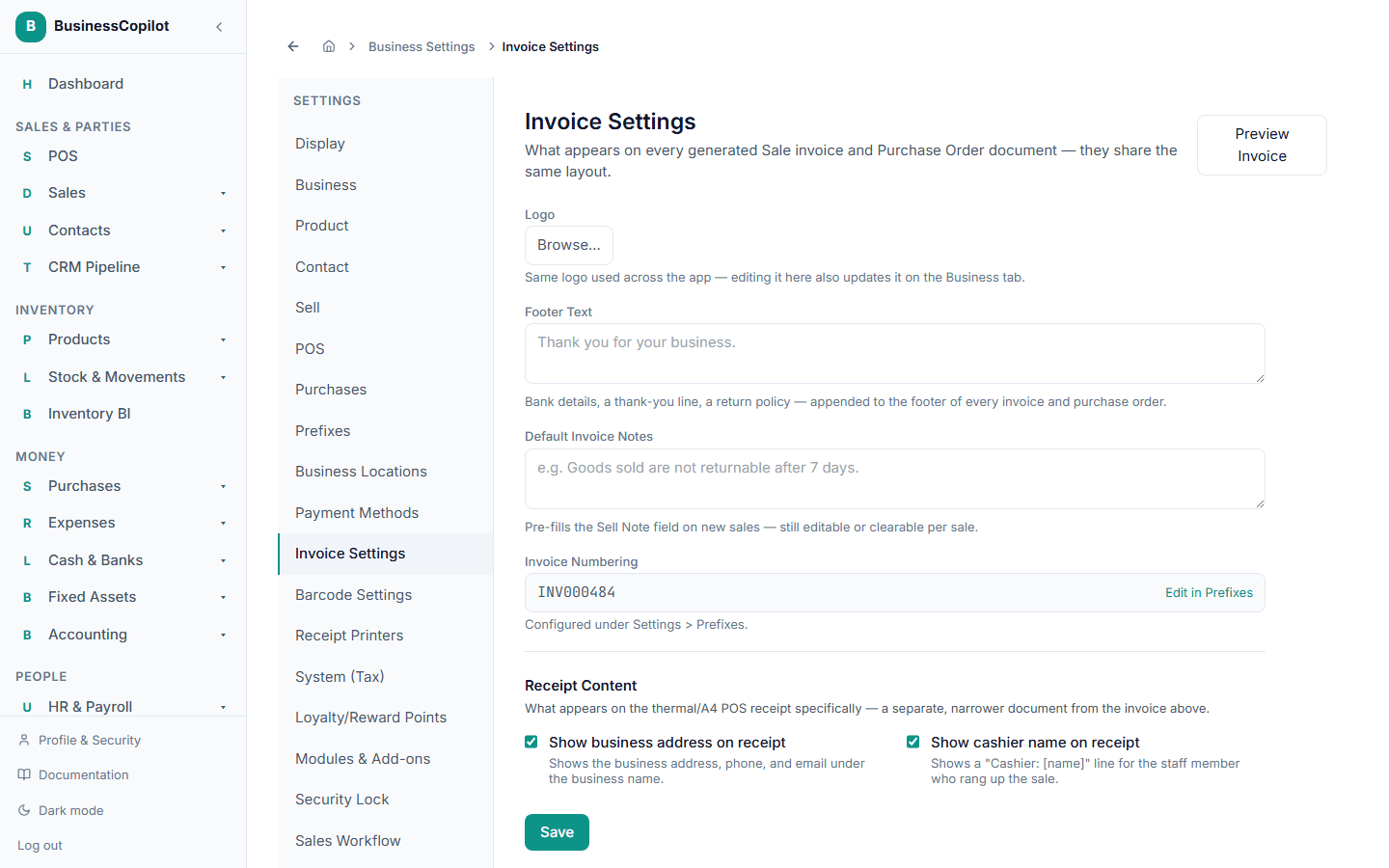
Settings → Invoice Settings controls what appears on every Sale invoice and Purchase Order PDF — they share the same layout, so one setting covers both.
What you can set
- Logo — click Browse… to upload an image. This is the same logo shown on the Business page — changing it here changes it there too.
- Footer Text — bank details, a thank-you line, a return policy — appended to the footer of every invoice and purchase order.
- Default Invoice Notes — pre-fills the Sell Note field on new sales. Still editable or clearable on any individual sale.
- Invoice Numbering — shown here as a read-only preview of your next invoice number. To change the prefix, digit count, or reset behavior, go to Prefixes.
Previewing before you commit
Click Preview Invoice at the top of the page to generate a real PDF using your current settings and two sample line items — no real sale is created. Use this to check your logo, footer text, and layout before it goes out on a real invoice.