Finding the report you need
Every pre-built report, in one place, organized by what it covers.
Go to Reports → Report Library to see every pre-built report BusinessCopilot ships with — Sales, Purchases, Tax, Contacts, Stock, Expenses, Accounting, Payroll, HR, Customers, Vendors, Inventory, Banking, Company Financials, Balance Sheet & Net Worth, Accountant & Tax, and Business Growth.
- Filter by category, or leave it on All.
- Select a report to open it.
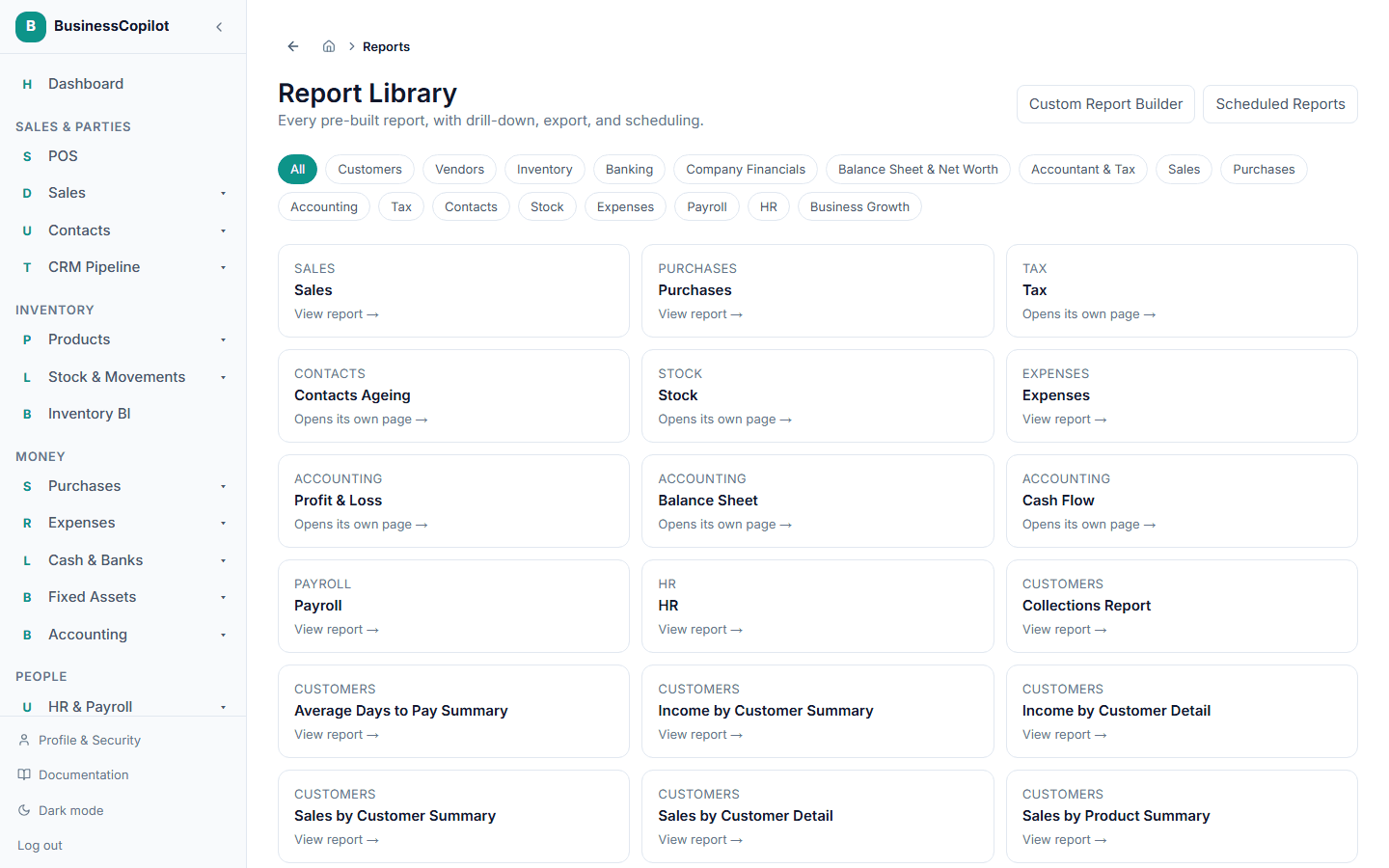
Every report opens on its own page with real numbers for a date range you choose — and, if you have more than one location, a location filter to narrow it down to a single branch. Reports give you drill-down and export wherever it makes sense. If none of the pre-built reports show exactly what you want, see Building a custom report.
Moving between related reports
Each report in a family shows a row of buttons listing the other reports in that family, so you can switch without going back to the sidebar. Every report you open from another one has a Back link to where you came from. See Moving between reports.