Understanding your Profit & Loss (Guide depth)
The full statement, plus how to compare periods and filter by dimension.
Understanding your Profit & Loss at a glance covers reading the statement itself in plain terms — Revenue, Cost of Goods Sold, Gross Profit, Operating Expenses, down to your final profit for the period. This page covers the reference-depth extras.
Filtering
Beyond a date range, you can narrow Profit & Loss by branch or dimension (Department, Project, or Class) — useful for seeing one branch or one project's own profitability rather than the whole business blended together.
Comparing periods
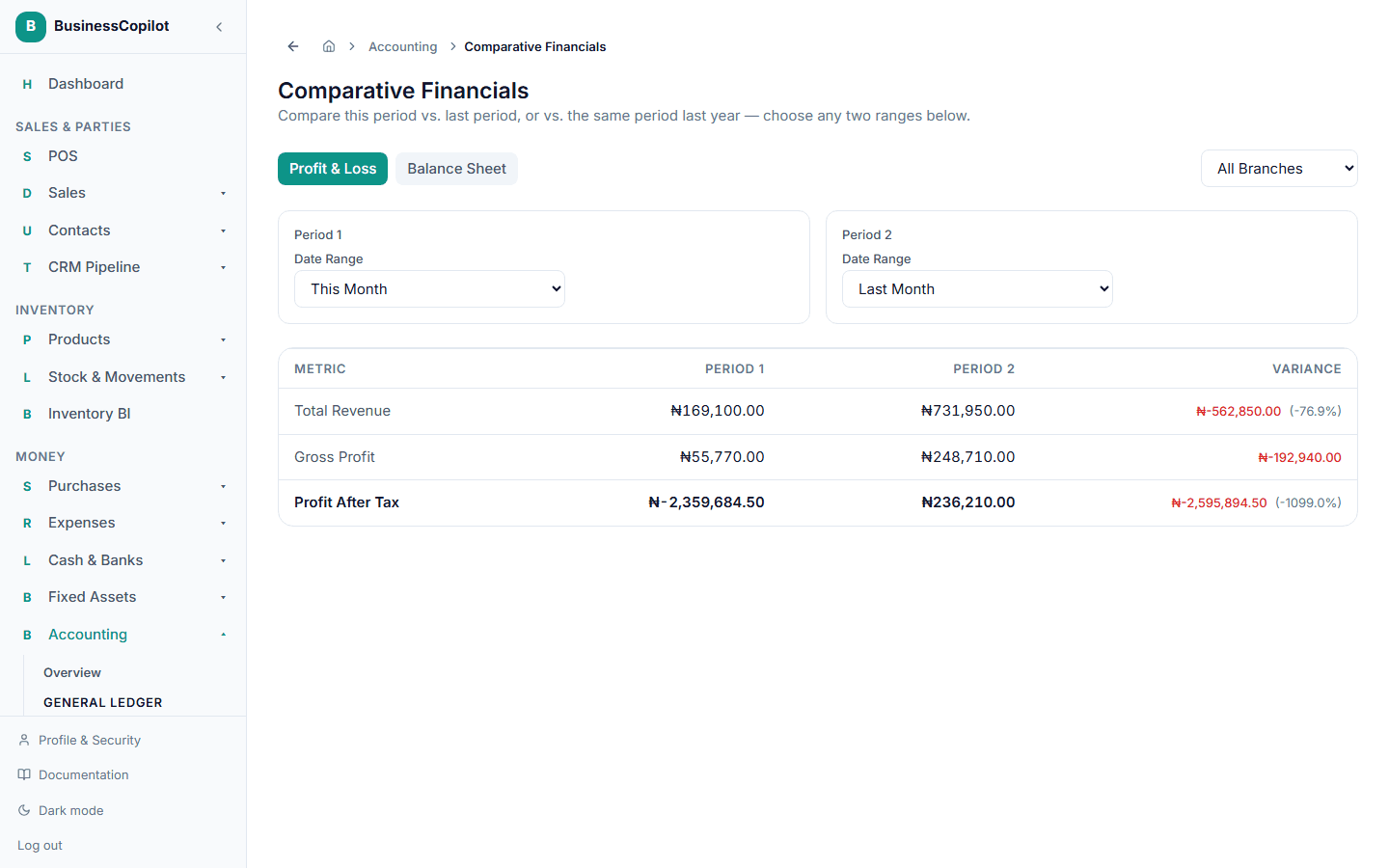
Go to Accounting → Comparative Financials to see Profit & Loss (and Balance Sheet) figures side by side — this period vs. last period, or vs. the same period last year, for any two ranges you choose.
Tracing a number back
Every figure on Profit & Loss is built from real posted journal entries — for the underlying detail behind any line, use the General Ledger on the relevant account.