Starting a clinical encounter
Record why a patient has come — the type of visit, their symptoms, severity, duration and vitals — before the safety check runs.
A clinical encounter is one structured visit. It walks you through the same order a careful pharmacist works in: why is the patient here, is anything dangerous, what could it be, what will you do, and a written record at the end.
This page covers the first part — recording why the patient has come. The next pages cover the safety check, escalation, and possible conditions, your decision and signing.
You need Create on the Diagnosis permission line to start one. See Getting access.
Where to start one
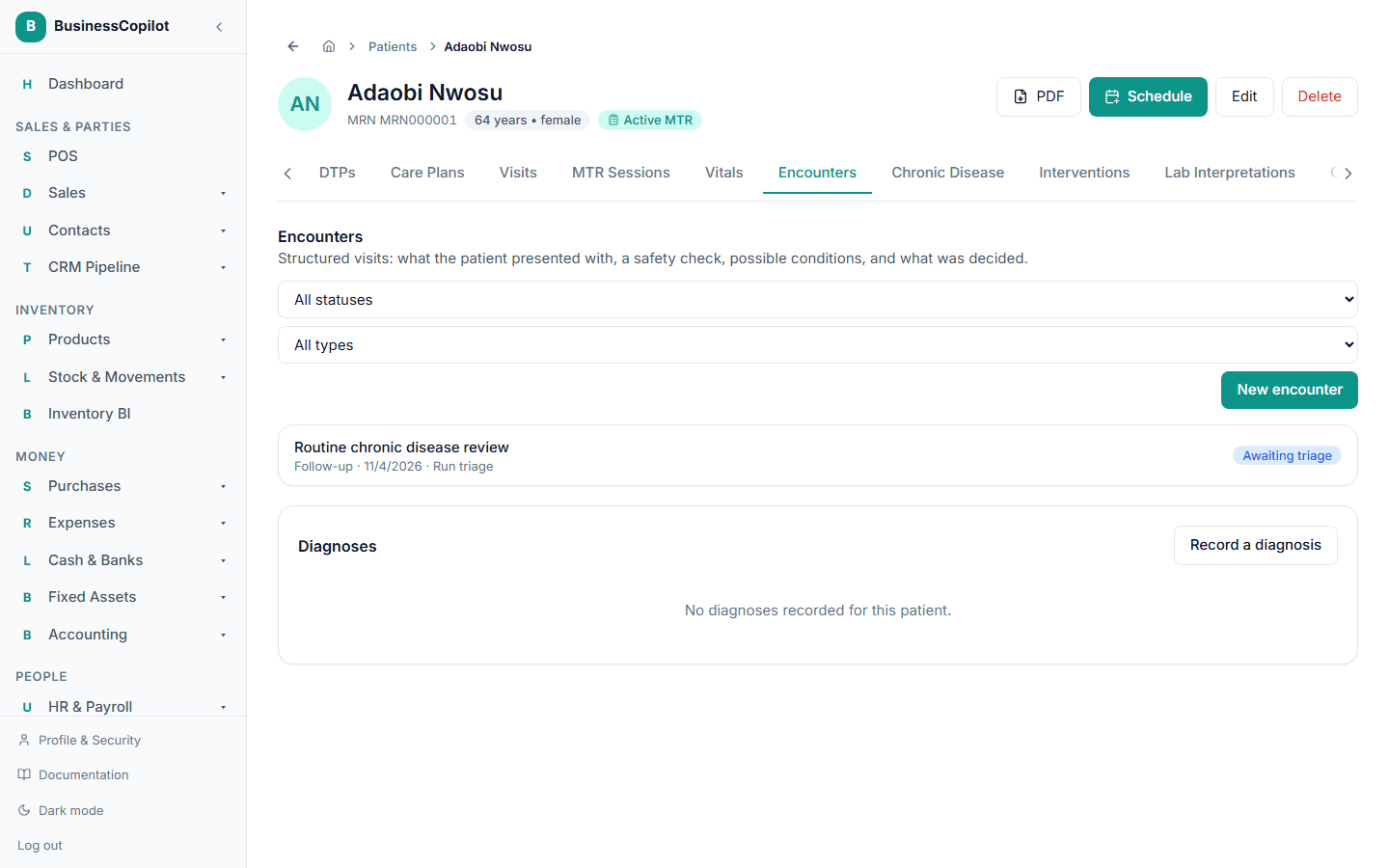
- On a patient's record: open the patient, select the Encounters tab, then New encounter. The patient is already chosen.
- From the list of all encounters: go to Clinical Suite → Clinical Encounters and select New encounter, then pick the patient. On the mobile app, use the Encounters chip in the Clinical Suite.
What you fill in
- Type of encounter. New complaint, Minor ailment, Follow-up, Chronic disease review, Medication refill, Medication-related problem, Prescription assessment, Preventive / health screening, or Other. The type is for your records and reports; it does not change the safety check.
- Choosing Follow-up shows one more field: Which visit is this following up on? — a list of the patient's signed (completed) prior visits. Linking one is optional, but it's what unlocks the AI Follow-up Progress Summary later in the workflow — see AI clinical reasoning. There's no guessing which visit you mean if you leave it blank.
- Pregnancy status. Asked on every visit, because it changes and some warning signs depend on it. Leave it as Not applicable if it doesn't apply.
- Chief complaint — why the patient has come, briefly, in their own words. Required, except for a chronic disease review.
- Symptoms present. Tap every symptom that applies, or type your own. This is what the safety check reads, so it is worth being thorough. The quick-pick list uses the words the check looks for, such as chest pain, shortness of breath, fever, stiff neck, bleeding, confusion and fainting.
- How severe, for how many days, how it started. Optional, but severity and duration sharpen the check and the possible conditions.
- More detail (optional): where, what it feels like, how often, previous episodes, triggers, current medicines and relevant history.
- Vitals, if you took them today — blood pressure, heart rate, temperature, breathing rate and oxygen saturation. These are saved as a real reading on the patient's record (they appear on the Vitals tab) and used by the safety check. Leave them blank and the check uses the patient's latest known vitals instead.
Then select Start encounter. Nothing is decided yet — the encounter is created and waits for you to run triage.
A chronic disease review
Choose Chronic disease review and a Type 2 Diabetes review form appears: last review date, medication adherence, last HbA1c, last fasting glucose, last blood pressure and current medicines. You can still record any current symptoms, and the safety check still runs.
Only the diabetes review is built. Reviews for hypertension, asthma and the other long-term conditions arrive with Chronic Disease Management in a later stage. Current medicines are free text for now, because the medication list is not built yet.
What you can't do here yet
Some steps of a full clinical workflow belong to later stages of the Clinical Suite. In the encounter they appear as clearly marked cards saying "Lands in Phase …" — a medication safety check (interactions, allergies, contraindications), condition-specific chronic-disease workflows, and tracked interventions. They are placeholders, not errors, and nothing is lost when they arrive.