Low stock and reorder alerts
How BusinessCopilot tells you when something's about to run out.
Every product has a Reorder Level — the quantity at which you'd want to order more before you run out (set this when adding the product, or edit it later from the product's page).
When a product's stock at a branch drops to or below its reorder level, BusinessCopilot flags it so it doesn't quietly run out on you. It also looks at how fast a product has recently been selling — if the trend suggests you'll run out soon even before hitting the reorder level, it's flagged too.
Where to see them
- Go to Stock → Intelligence.
- Look at the Reorder Suggestions section.
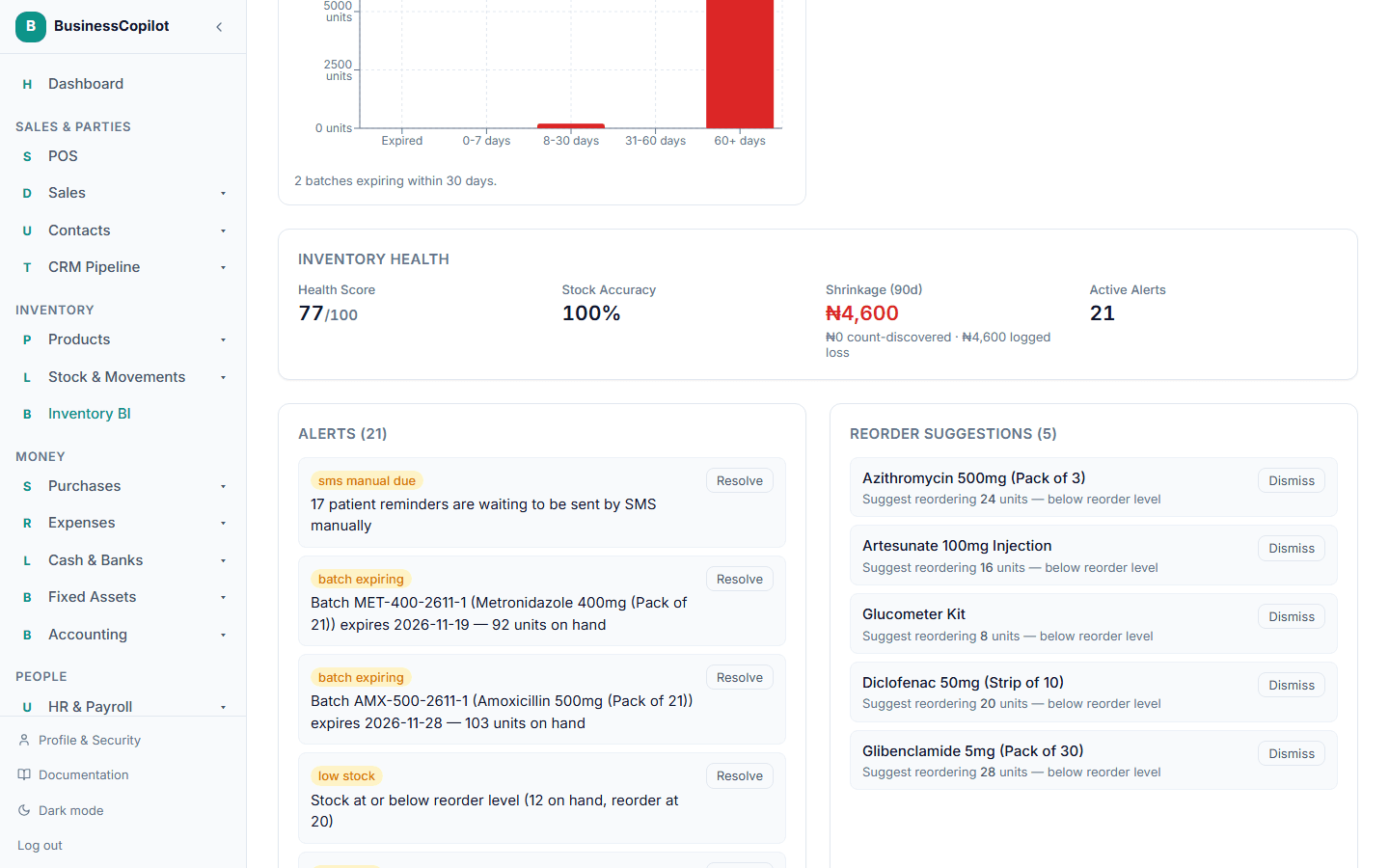
Each suggestion tells you why it was raised (below its reorder level, or trending toward a stockout). From here you can dismiss a suggestion you don't need to act on, or use it as your cue to record a purchase for that product.
The same page also shows broader stock alerts — for things like a stock count coming back with an unexplained variance.