Setting up your organization
Set up the departments, teams, and positions your staff belong to.
Before you add staff, it helps to set up the structure they'll slot into.
Go to HR → Settings to set up:
- Departments — the broad areas of your business (e.g. Sales, Warehouse, Finance).
- Teams — smaller groups within a department.
- Positions — job titles staff are assigned to (this is also where you'll later set KPI targets).
- Branches — see Branches / locations if you haven't set these up yet.
For each, select + Add, fill in a name, and save.
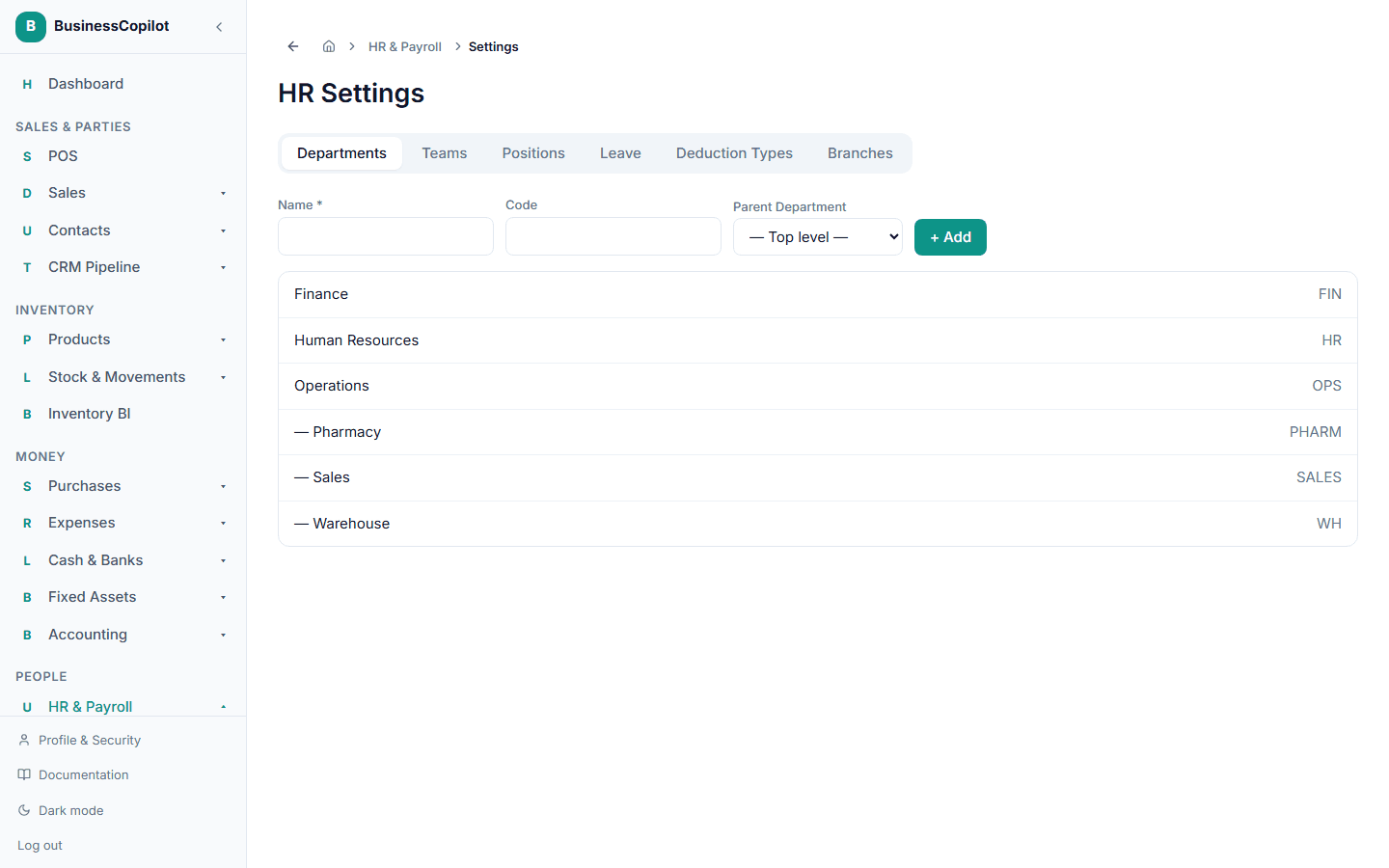
Set these up before adding a staff member — their profile picks a department, team, and position from what already exists here.