Understanding your customer's favorite items and purchase history
See what a customer buys most, and look back at everything they've bought.
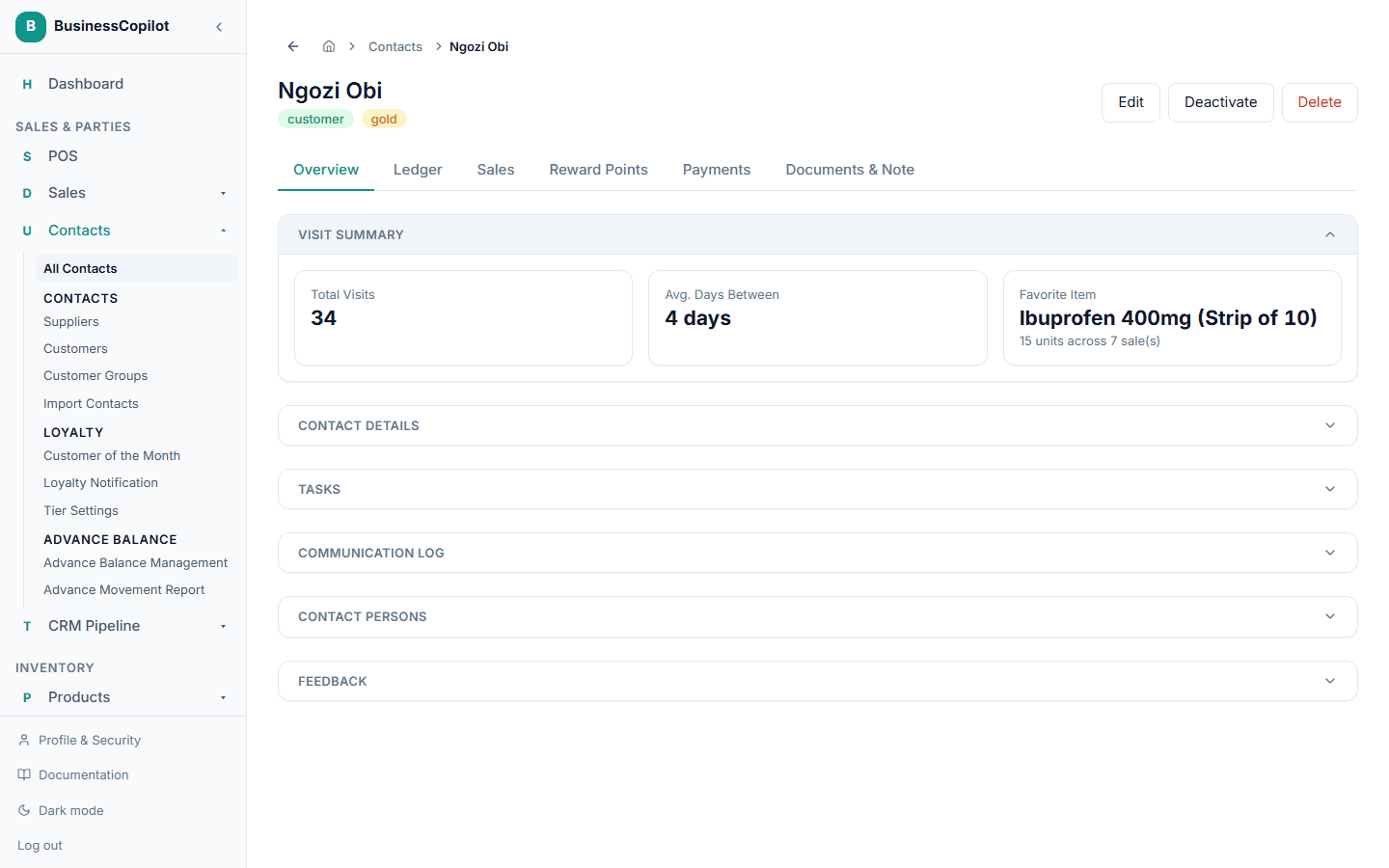
Favorite item
Open a customer's own page to see their Favorite Item — the product they've bought the most, with how many units across how many sales.
Purchase history
For a full list of everything a customer has bought, go to Sales POS → All Sales and search their name.
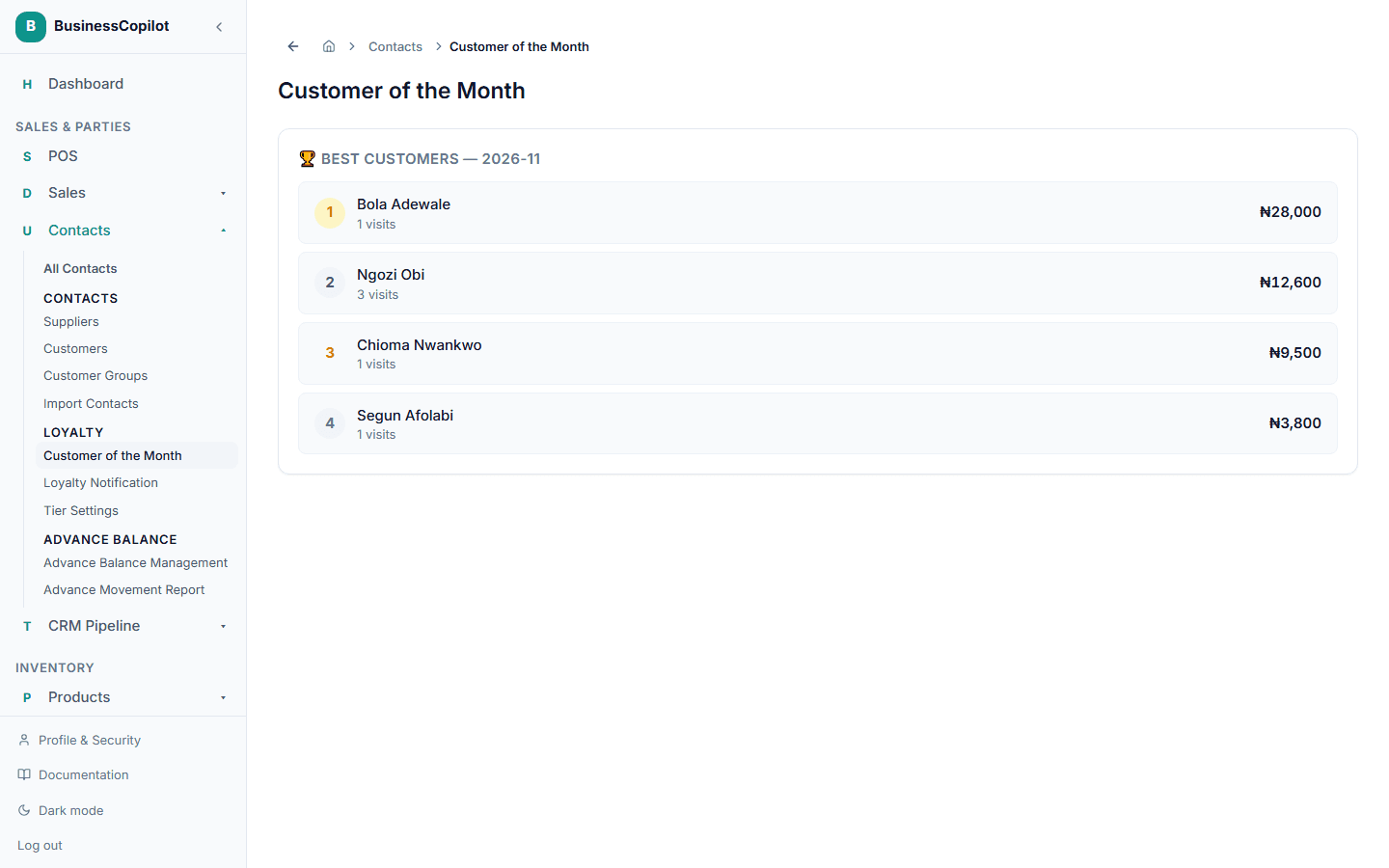
Customer of the Month
For a leaderboard of your best customers overall, go to Customer of the Month (under Parties) — this builds up automatically from real purchase activity.