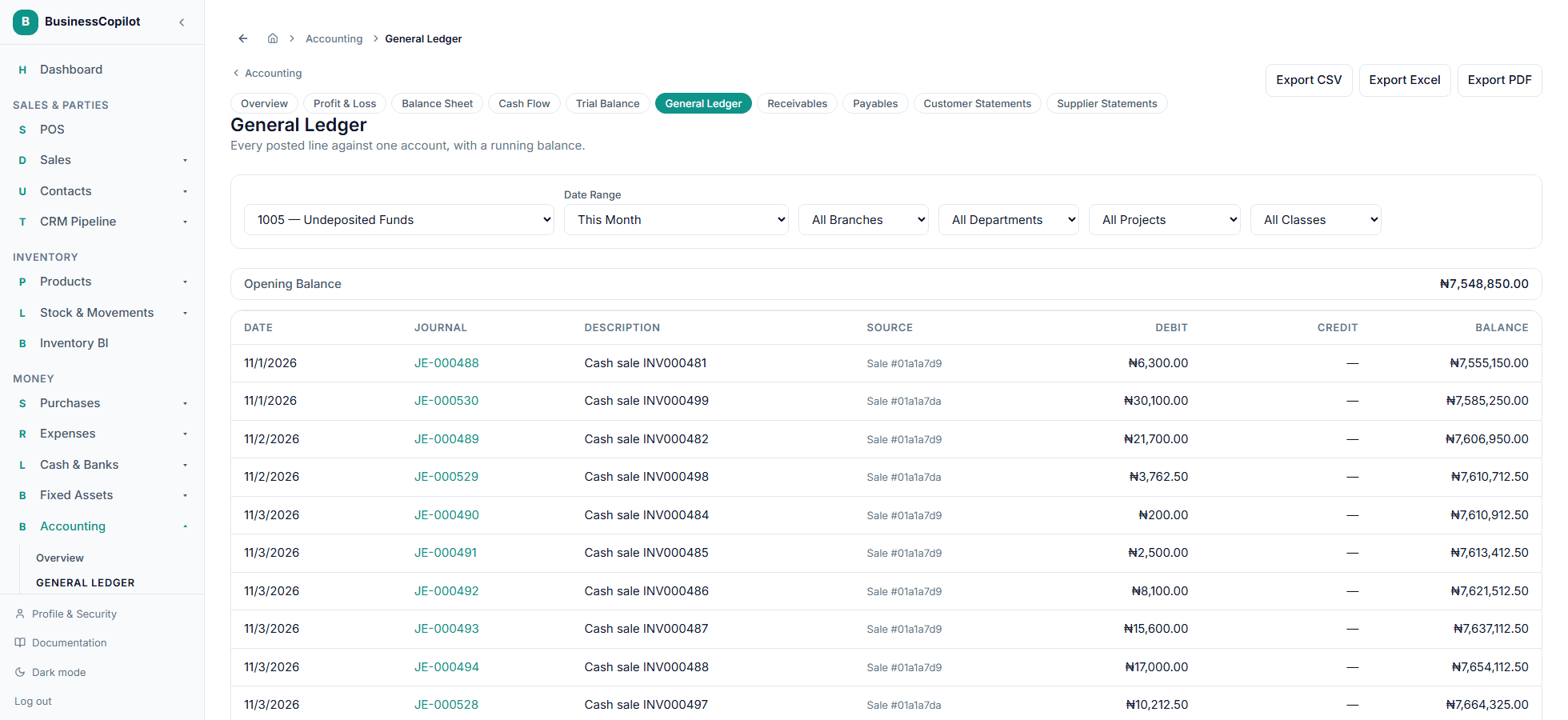
Understanding the General Ledger
Every posted line for one account, with a running balance — and exporting it for an auditor.
The General Ledger is where you drill into one account and see every entry ever posted to it, in order, with a running balance.
Viewing an account's ledger
- Go to Accounting → General Ledger.
- Choose an account from the dropdown (or arrive here directly by selecting View Ledger from the Chart of Accounts).
- Optionally narrow it by date range, branch, or dimension (Department, Project, or Class).
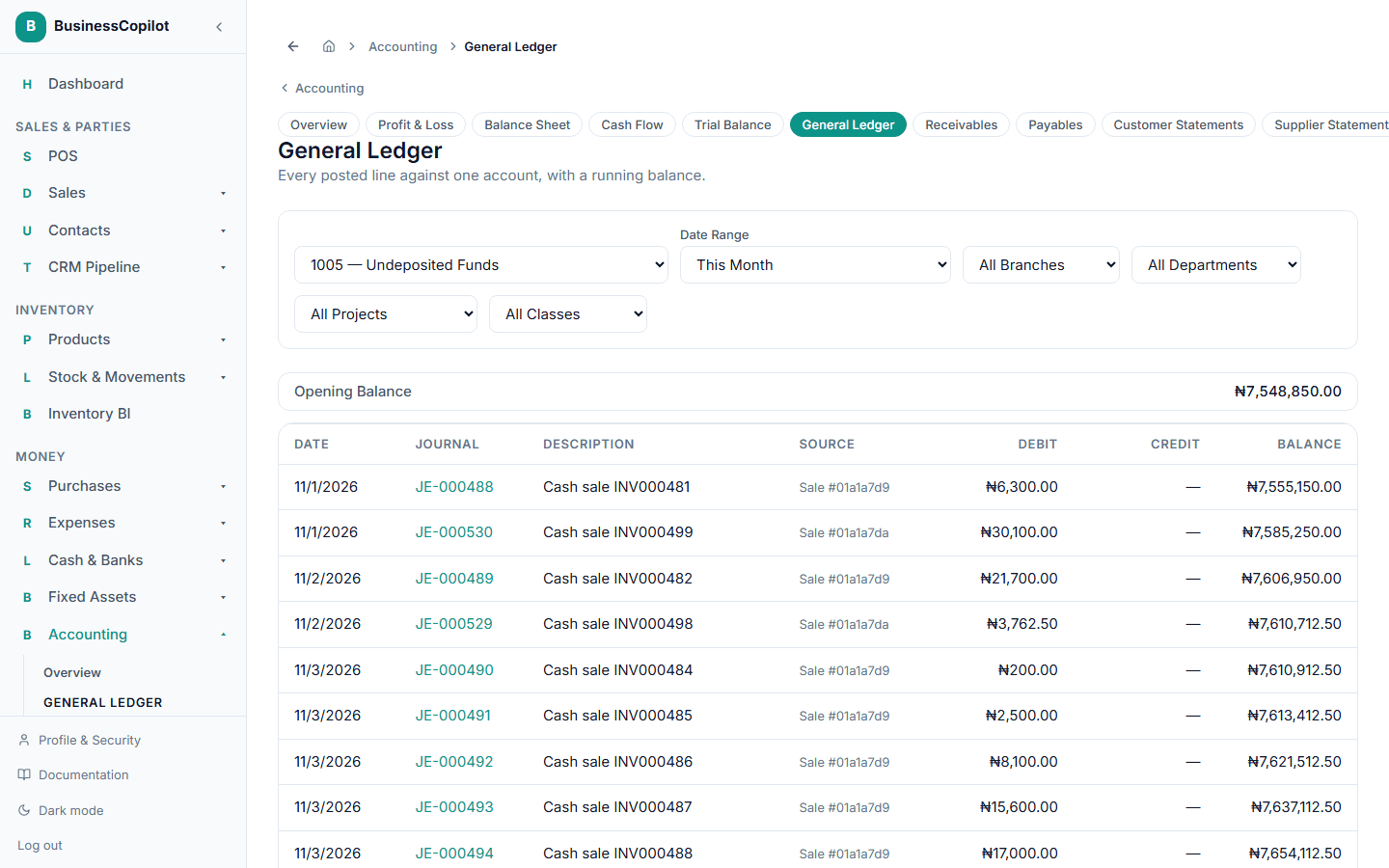
Each row shows the date, the journal it came from, a description, its source (the sale, expense, or other event that generated it — or "manual" if you posted it by hand), and the debit/credit amount with a running balance. Select any journal number to open that entry's full detail page.
The list starts with an Opening Balance row and ends with a Closing Balance row for the range and filters you chose.
Exporting it
Select Export CSV, Export Excel, or Export PDF at the top of the page to download the ledger for the account and date range you have selected — useful for handing a clean export to an external auditor. You need a date range selected before you can export.