Upgrading or downgrading your plan
Switch to a different plan, and understand when it takes effect.
- Go to Plan & Billing.
- Choose Monthly or Annual billing.
- Find the plan you want in the Choose your plan grid and select Switch to this plan.
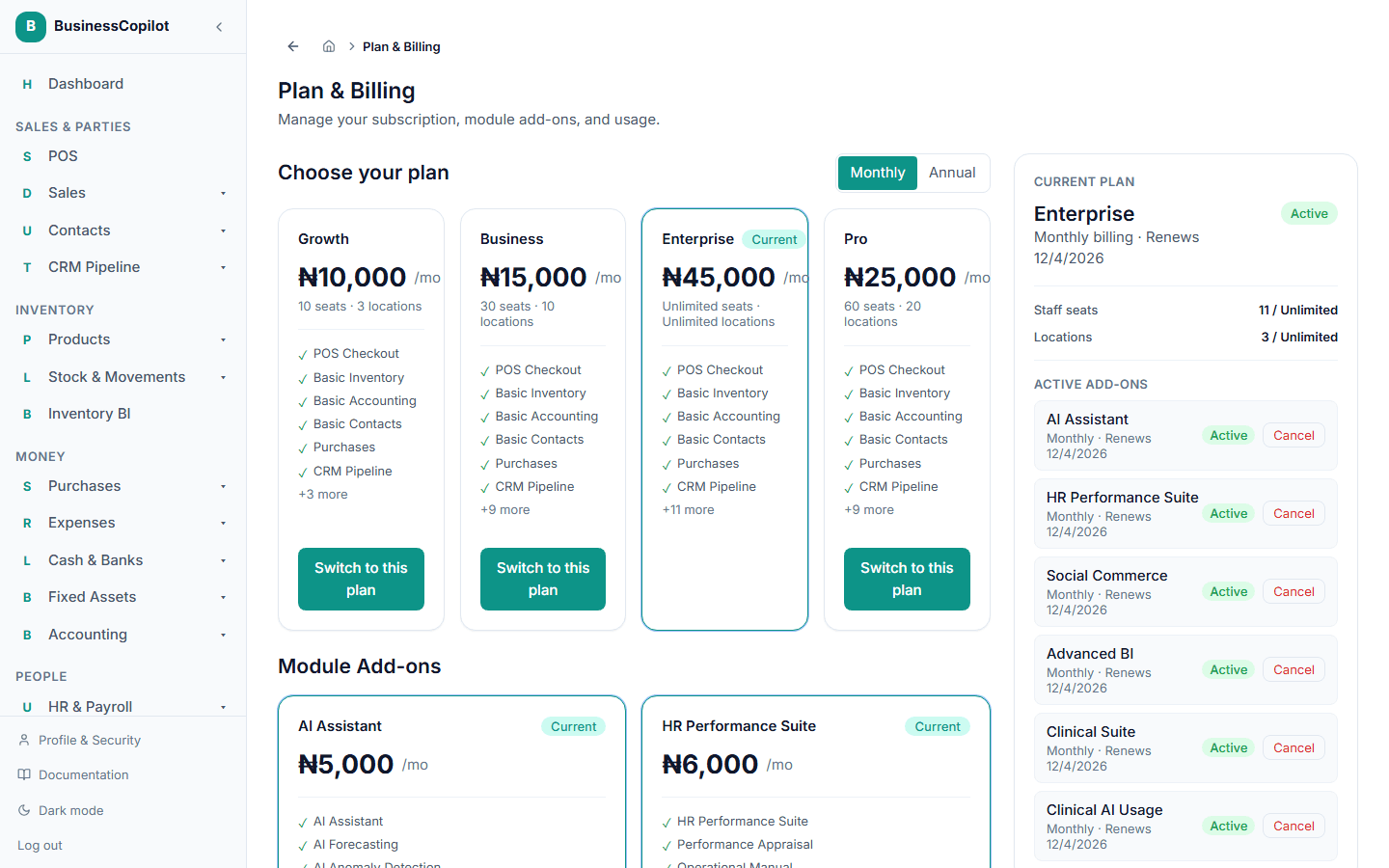
What happens next depends on whether you're moving up or down.
Moving to a more expensive plan
This takes effect right away. You're taken to a secure checkout to pay a prorated top-up — the difference between your old and new plan's price, charged only for the days left until your next renewal, not the full new price. Once payment is confirmed, your new plan is active immediately. See Paying for your subscription for what checkout looks like.
Moving to a cheaper plan, or just switching billing cycle
No payment is needed. You keep your current plan and everything it includes until your current billing period ends — the change is scheduled to start at your next renewal. You'll see a note on the Current Plan card telling you what you're switching to and when, with a cancel link if you change your mind before it takes effect.