Viewing your sales history and receipts
Look back at completed sales and reprint a receipt.
Sales history
- From the Sales Menu, select History.
- Optionally set a date range to narrow the list.
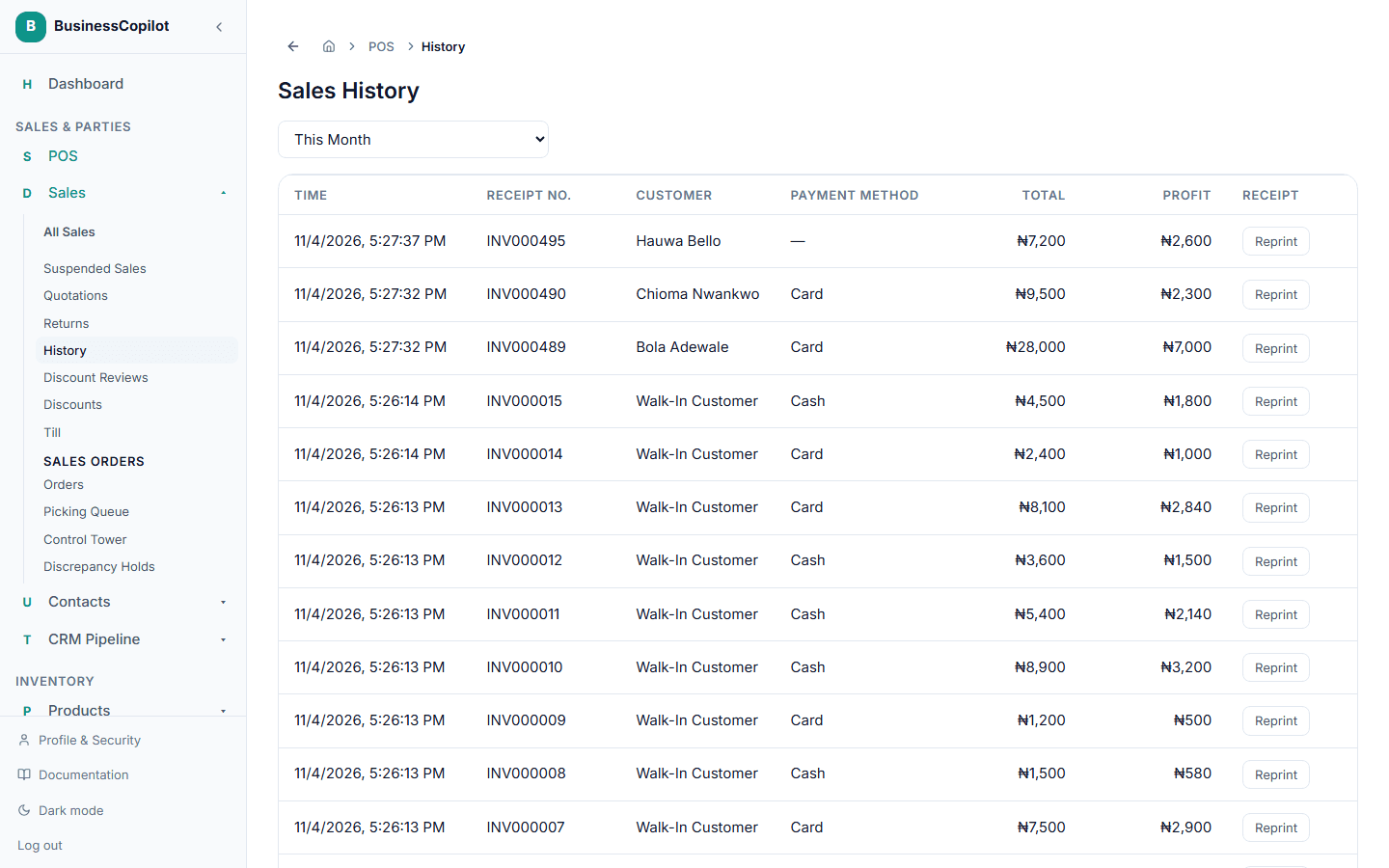
Each row shows the time, receipt number, customer, payment method, total, and profit for that sale. Totals for the whole list are shown at the bottom.
Printing or reprinting a receipt
There are two ways to print a receipt, depending on when you're doing it:
- Right after the sale — a Sale completed popup offers Print Receipt or Skip, fixed to the 80mm thermal format. This can be turned off under Settings → Business Settings → POS → Prompt to print receipt after sale.
- Any time later — open the sale from History (or from All Sales) and select Print Receipt. Here you can choose the format that matches your printer:
- 58mm or 80mm — for a thermal receipt printer
- A4 — for a normal printer
Either way, the receipt includes your branch, the items, totals, payment method, and a scannable barcode of the receipt number. This is separate from Print Invoice/Download PDF, which still produce the same full-page invoice document as before.
By default, both print through your browser or app's normal print dialog. If you want printing to be instant with no popup — and for a thermal printer to automatically cut the paper after each receipt — set up silent printing once; see Receipt printers and silent printing.
The fuller record
For a back-office view with more filters and a CSV export — useful for an Accountant or Manager reviewing everything, not just receipts — use All Sales from the Sales Menu instead of History.
Journal entries on a sale
Each sale shows the accounting entries it created in a Journal Entries section. Open the section to see the debit and credit lines for that sale. Use the ← and → arrows to move between journal entries without going back to the list.
Use the date range presets above the list to narrow the history to today, this week, this month, or another period. Select a row to open that sale.