Understanding dimensions
Optional reporting tags — Branch, Department, Project, and Class — for filtering your reports.
A dimension is an optional tag you can attach to a journal line, purely for reporting — it never affects whether something can post, only how you can slice your reports afterward.
BusinessCopilot supports four: Branch (managed under HR → Settings → Branches, the same branches used everywhere else in the product), and three accounting-specific ones — Department, Project, and Class — managed together on one page.
There's no separate "Cost Center" dimension — Class is what covers that role here, kept as one dimension rather than two with genuine overlap.
Setting up Department, Project, and Class
- Go to Accounting → Dimensions.
- Choose the Departments, Projects, or Classes tab.
- Enter a Name and optional Code.
- Select Add.
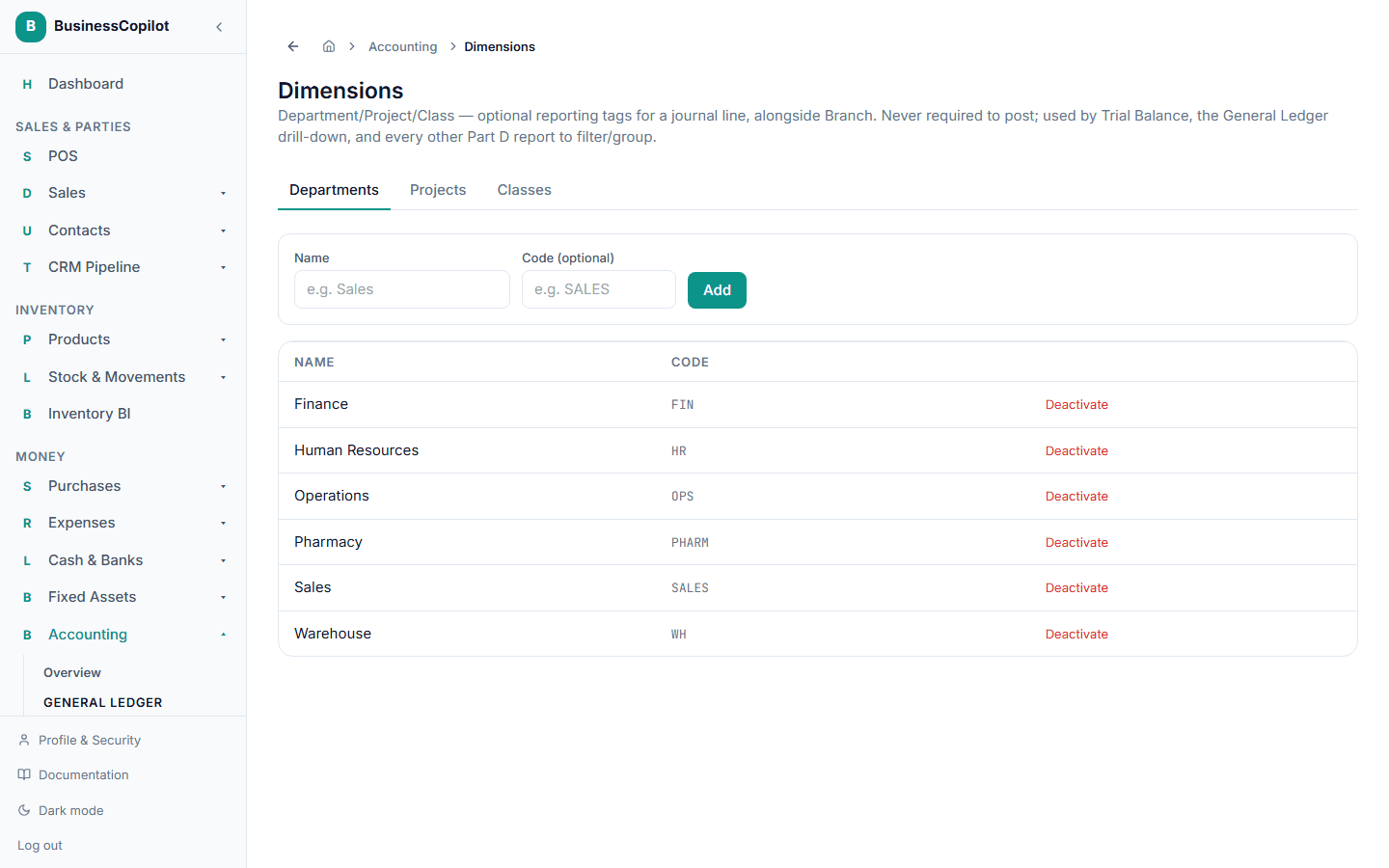
Select Deactivate on any row you no longer use — its history stays intact, it just stops appearing as an option going forward.
Using them
Every report built for reference depth — Trial Balance, the General Ledger, and the rest of the Accounting Guide's statements — can be filtered or grouped by any of these four dimensions, letting you see, for example, one branch's or one project's own numbers rather than the whole business blended together.