Exporting a list
Download the products, stock, orders, or contacts you're looking at as a spreadsheet.
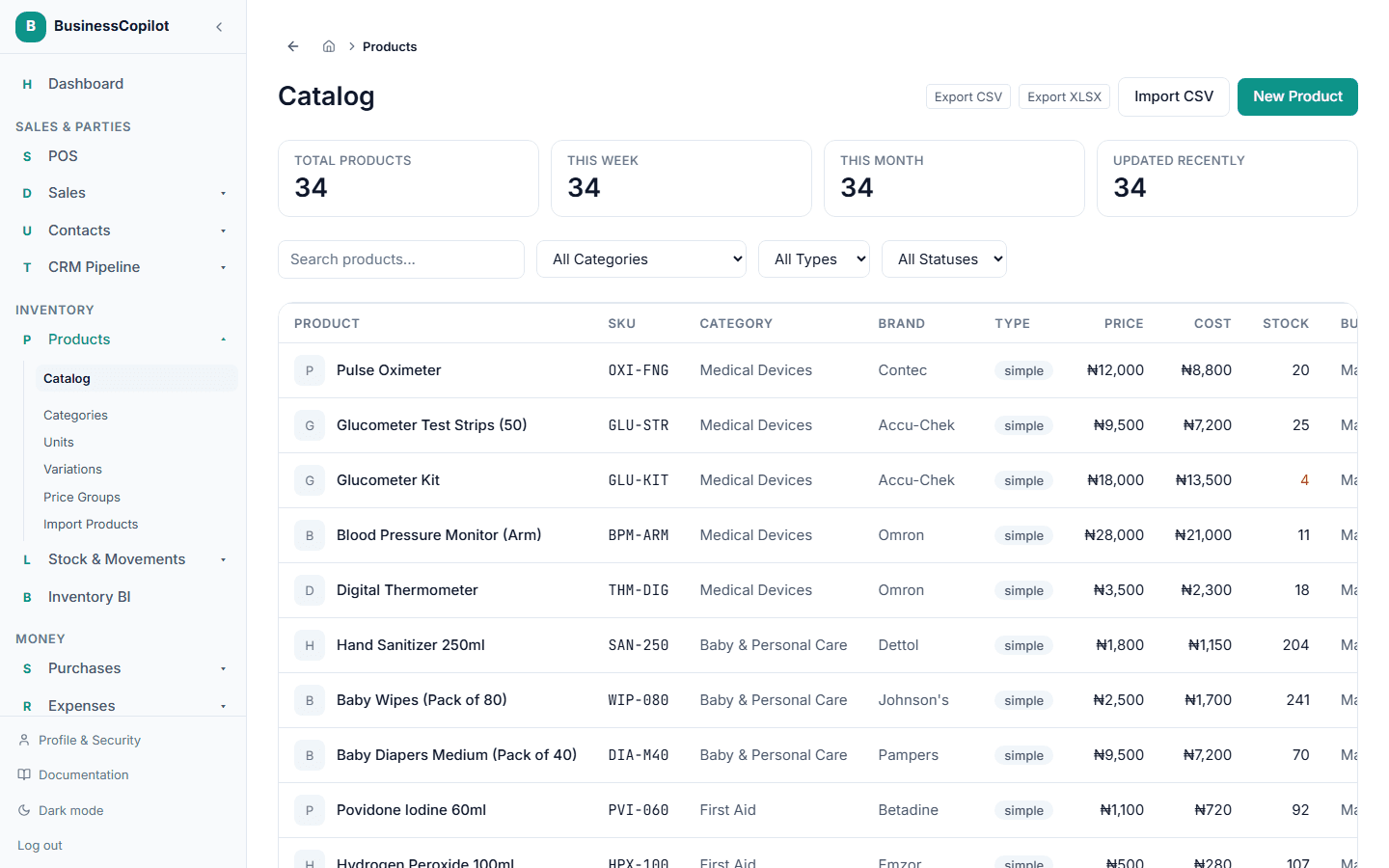
Separately from exporting a report, most of the everyday lists across BusinessCopilot have their own Export button — useful when you just want the raw list itself, not a formatted report.
You'll find it on:
- Products (the product catalog)
- Stock → Movements, Adjust, Stock Adjust, and Transfers
- Purchases (purchase orders)
- Expenses
- Contacts
- All Sales
- Open the list.
- Select Export CSV or Export XLSX (whichever your spreadsheet program prefers).
- The file downloads straight away, using whatever search and filters you currently have applied.