Managing leave requests
Request time off, and approve or reject requests from your team.
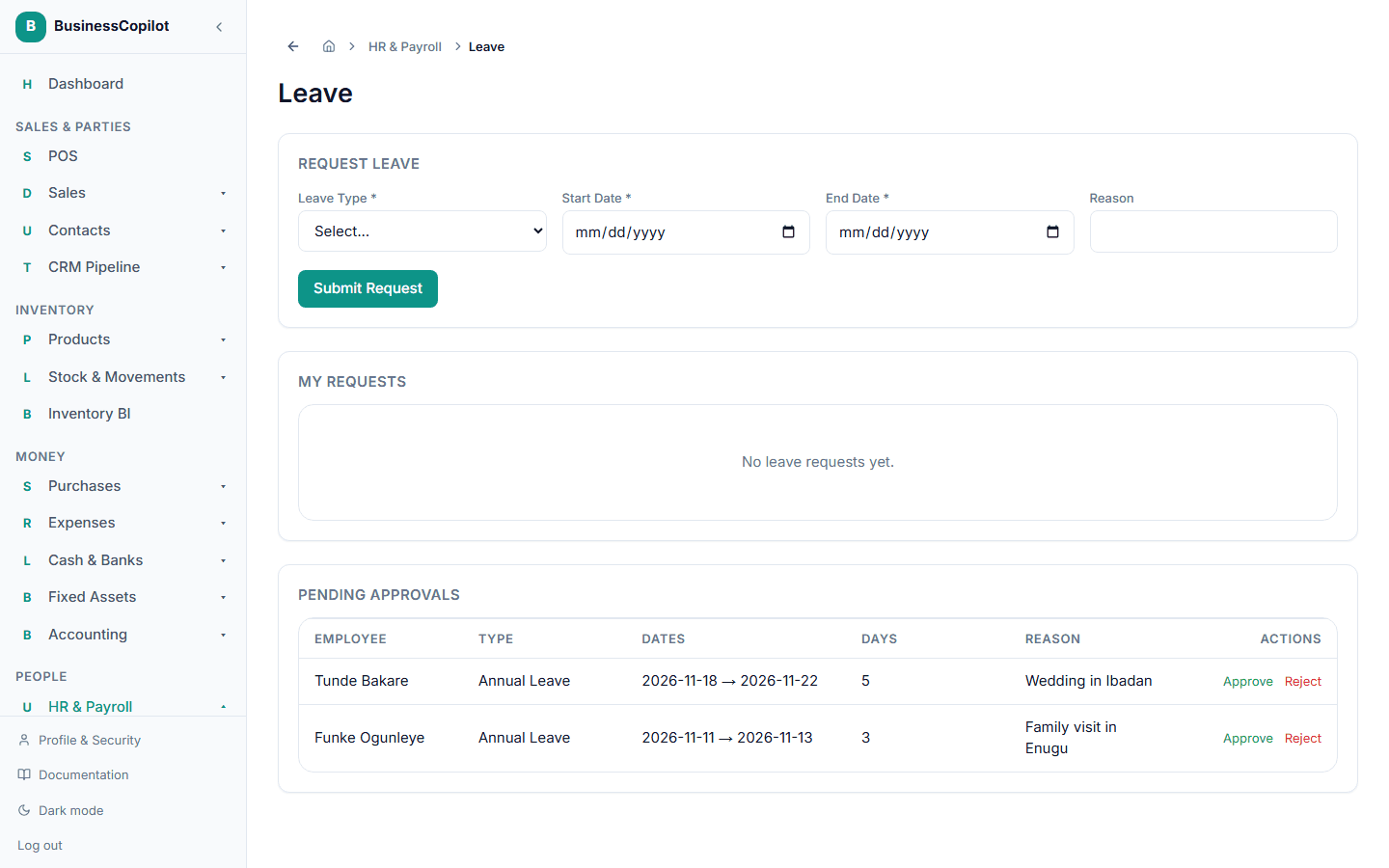
Requesting leave
- Go to HR → Leave.
- Under Request Leave, choose a Leave Type (set up under HR Settings), a Start Date and End Date, and a reason.
- Submit.
Approving or rejecting a request
If you're able to approve leave, pending requests appear on the same page.
- Find the request.
- Select Approve, or Reject and give a reason.