Understanding your subscription invoices and payment history
Reviewing what you've been charged for your subscription over time.
Go to Plan & Billing in your dashboard (Owners only) and scroll down to Invoices & Payment History, below the plan grid and add-ons.
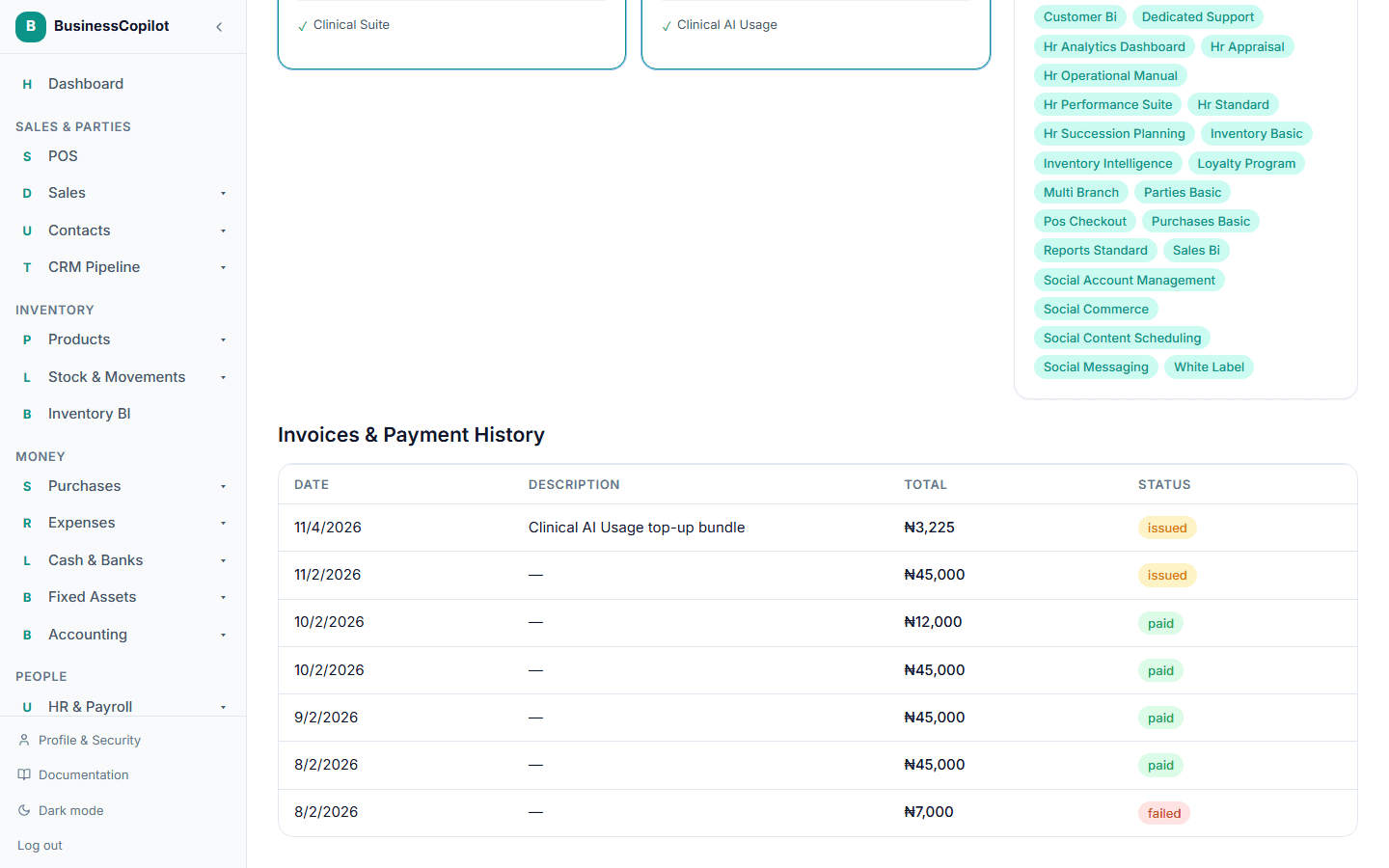
Every time you pay for a plan change, an add-on, an AI query top-up, or a seat/location overage, BusinessCopilot creates a real invoice — this is the full record of them, oldest activity last.
What each row shows
- Date — when the invoice was issued.
- Description — what it was for (a plan, an add-on, a top-up, or an overage charge). If an invoice bundled more than one item, you'll see "+N more."
- Total — the full amount, including tax.
- Status — Draft, Issued (payment outstanding), Paid, Failed, Void (cancelled before payment), Charged back, Chargeback reversed, or Refunded.
An invoice is created the moment a charge attempt starts — before payment finishes — so an Issued invoice you never completed checkout for is expected, not an error; see Paying for your subscription for what happens if a payment fails or you close the checkout page.
This list is scoped to your own workspace only — nobody else's invoices ever appear here, regardless of role.