Statement of Changes in Equity
How your equity moved over a period, and why it should match your Balance Sheet.
The Statement of Changes in Equity shows how your equity moved over a period, as a roll-forward:
Opening Equity + Contributions − Drawings + Profit/(Loss) = Closing Equity
- Go to Accounting → Equity Changes.
- Choose a date range (it defaults to the current fiscal year).
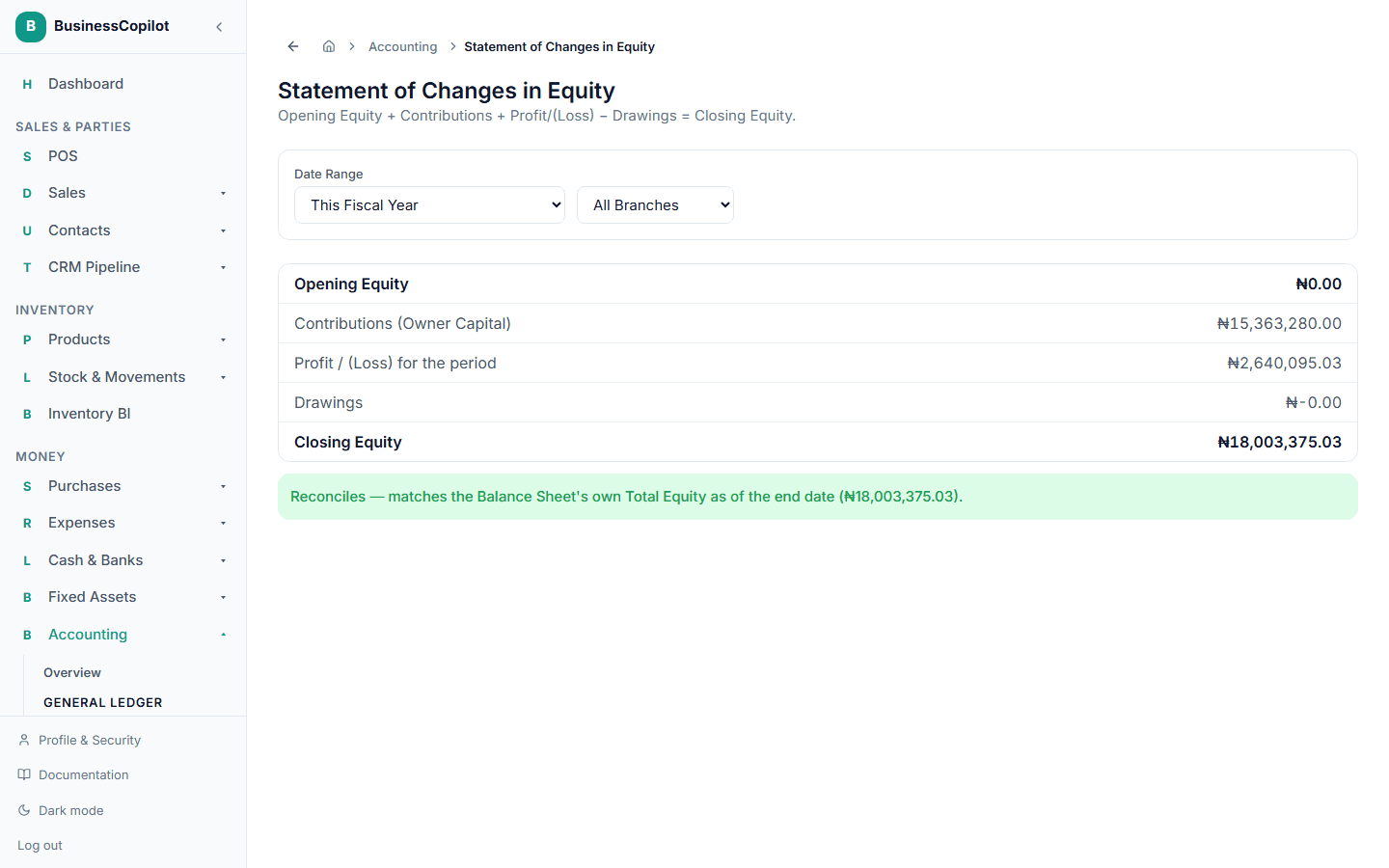
- Opening Equity — what your equity was at the start of the period.
- Contributions — money or value the owner put into the business.
- Profit / (Loss) for the period — pulled from the same real figures behind Profit & Loss.
- Drawings — money or value the owner took out.
- Closing Equity — the result.
At the bottom, BusinessCopilot confirms this roll-forward reconciles against your Balance Sheet's own Total Equity as of the same end date — two independently-computed figures that should always agree, and a clear warning if they don't.