Purchase returns
Send something back to a supplier and record the refund.
Use this when you need to send goods back to a supplier — damaged stock, the wrong item delivered, and so on. This is different from a customer bringing something back to you; for that, see Processing a return instead.
- Go to Purchases and open the purchase order the goods came in on.
- Select Purchase Return.
- Enter the quantities being returned and a reason.
- Choose a refund method.
- Confirm.
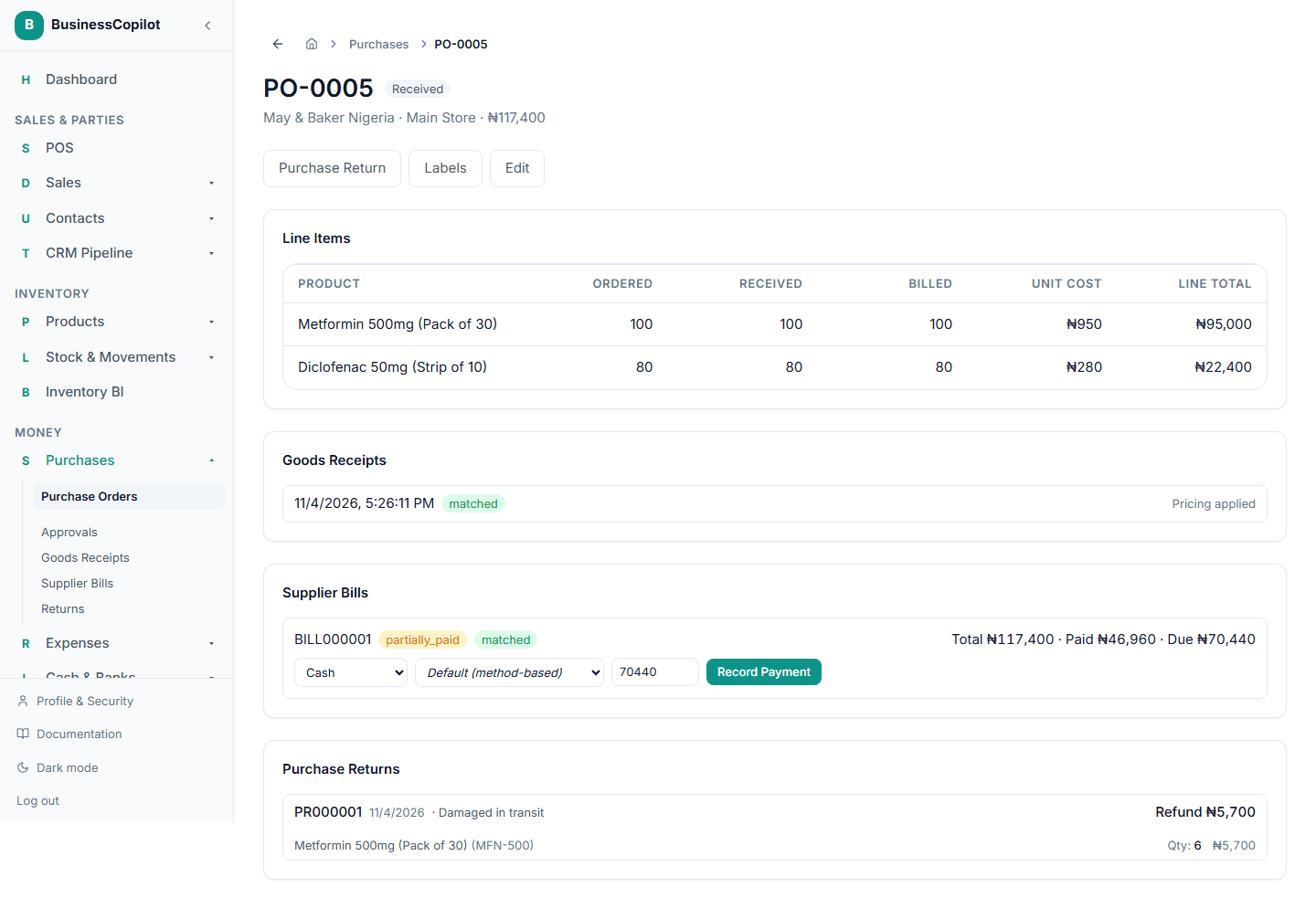
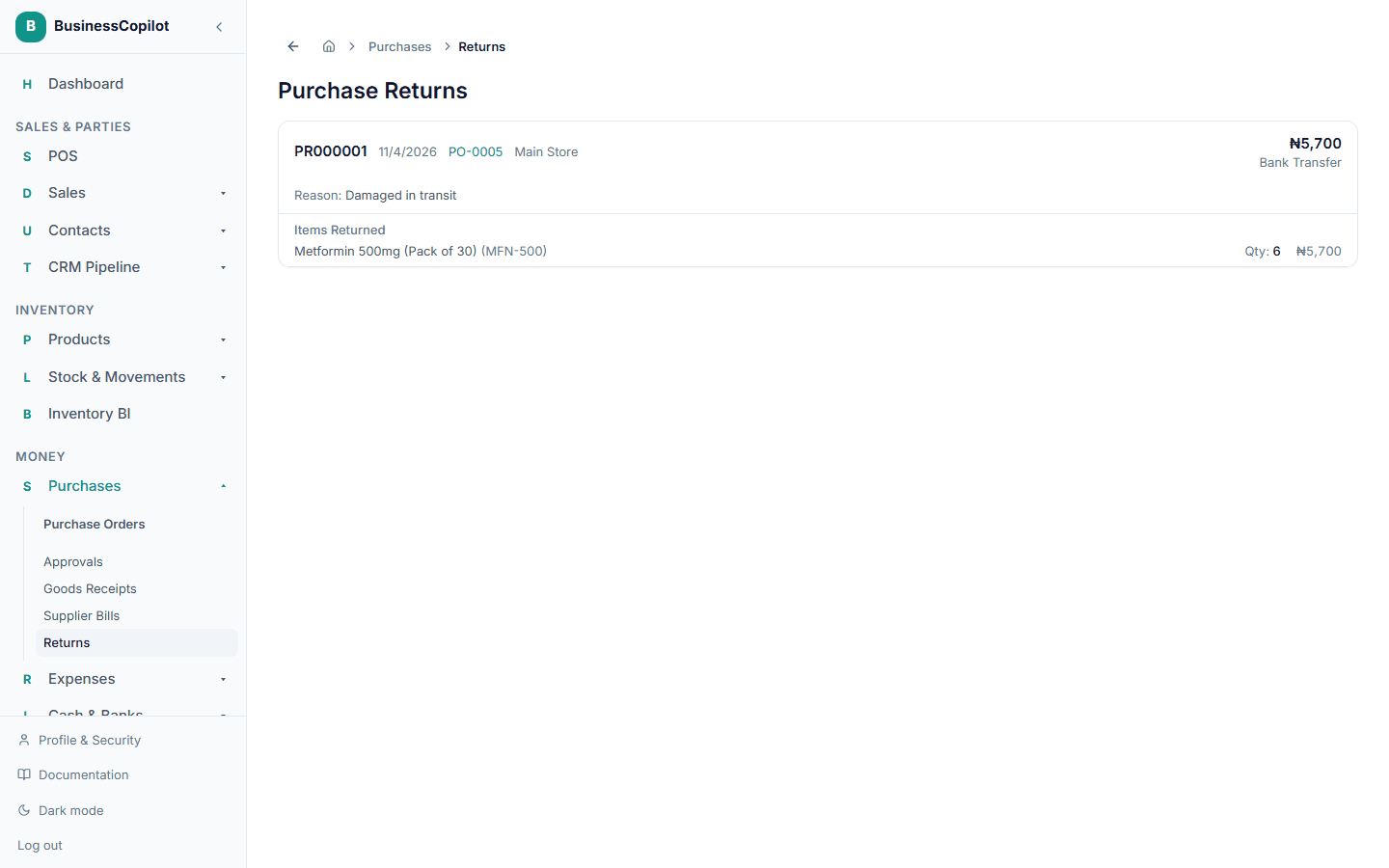
The returned quantity is removed from stock at that purchase order's branch, and the return is logged. You can see every past purchase return from Purchases → Returns.
Related
On the mobile app
On the mobile app, open the purchase order's menu and choose Purchase Return. Enter the quantity for each line in the unit it was ordered in, choose how you were refunded, add a reason and confirm.