Petty cash
Set up a small cash fund for day-to-day spending, top it up, and draw from it.
A petty cash fund is a small amount of cash kept on hand for small day-to-day purchases — office supplies, transport, that kind of thing — assigned to one person (the custodian) to look after.
Setting up a fund
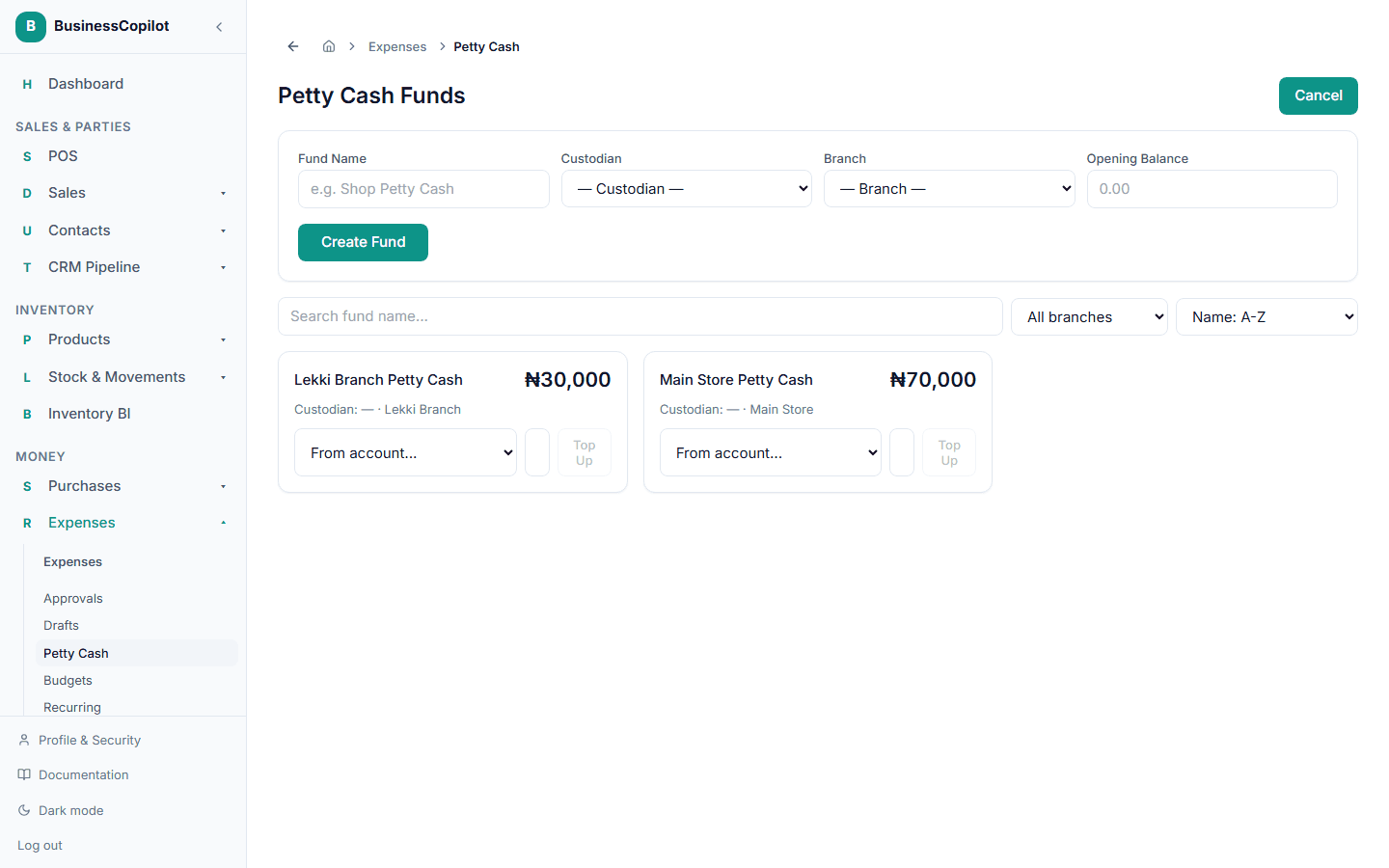
- Go to Expenses → Petty Cash.
- Select + New Fund.
- Enter a name, choose the custodian (who's responsible for it), the branch it belongs to, and an opening balance if it's not starting from zero.
- Select Create Fund.
Topping up a fund
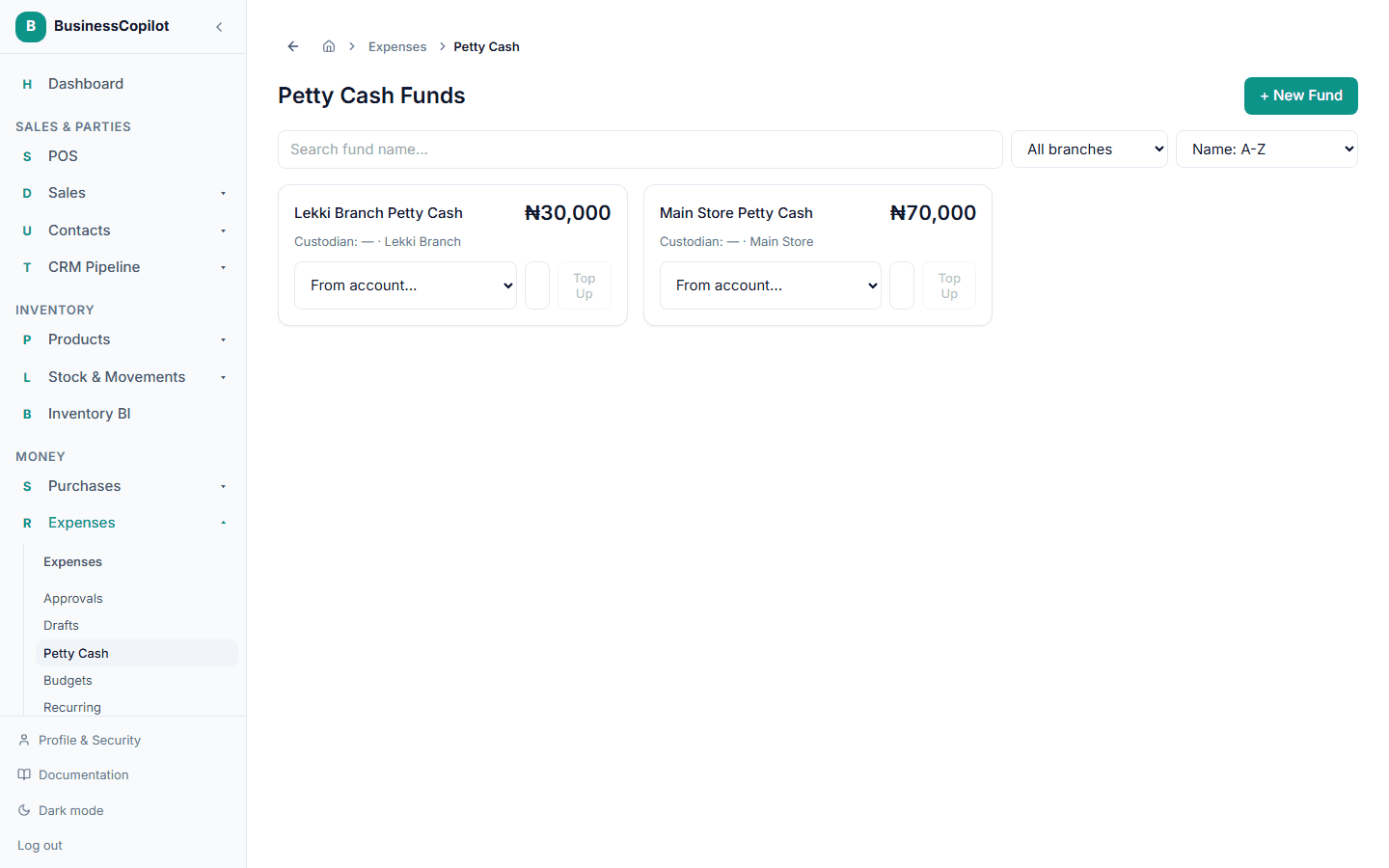
On the fund's card, choose the account the money is coming from, enter an amount, and select Top Up.
Drawing from a fund
When you record an expense, check Draw this from a petty cash fund and pick which fund it's coming from. BusinessCopilot warns you if the amount is more than the fund actually has available.