Adjusting stock by hand
Correct a stock quantity directly — for damage, loss, or a one-off correction.
Use a stock adjustment when you need to correct a product's quantity directly — stock that's damaged, lost, given away, or was simply recorded wrong — rather than through a sale, purchase, or transfer.
- Go to Stock → Adjust.
- Search for and select the product (and its variation, if it has one).
- Choose the branch the adjustment applies to.
- Enter the quantity — a positive number to add stock, a negative number to remove it.
- Choose a reason and add an optional note.
- Save.
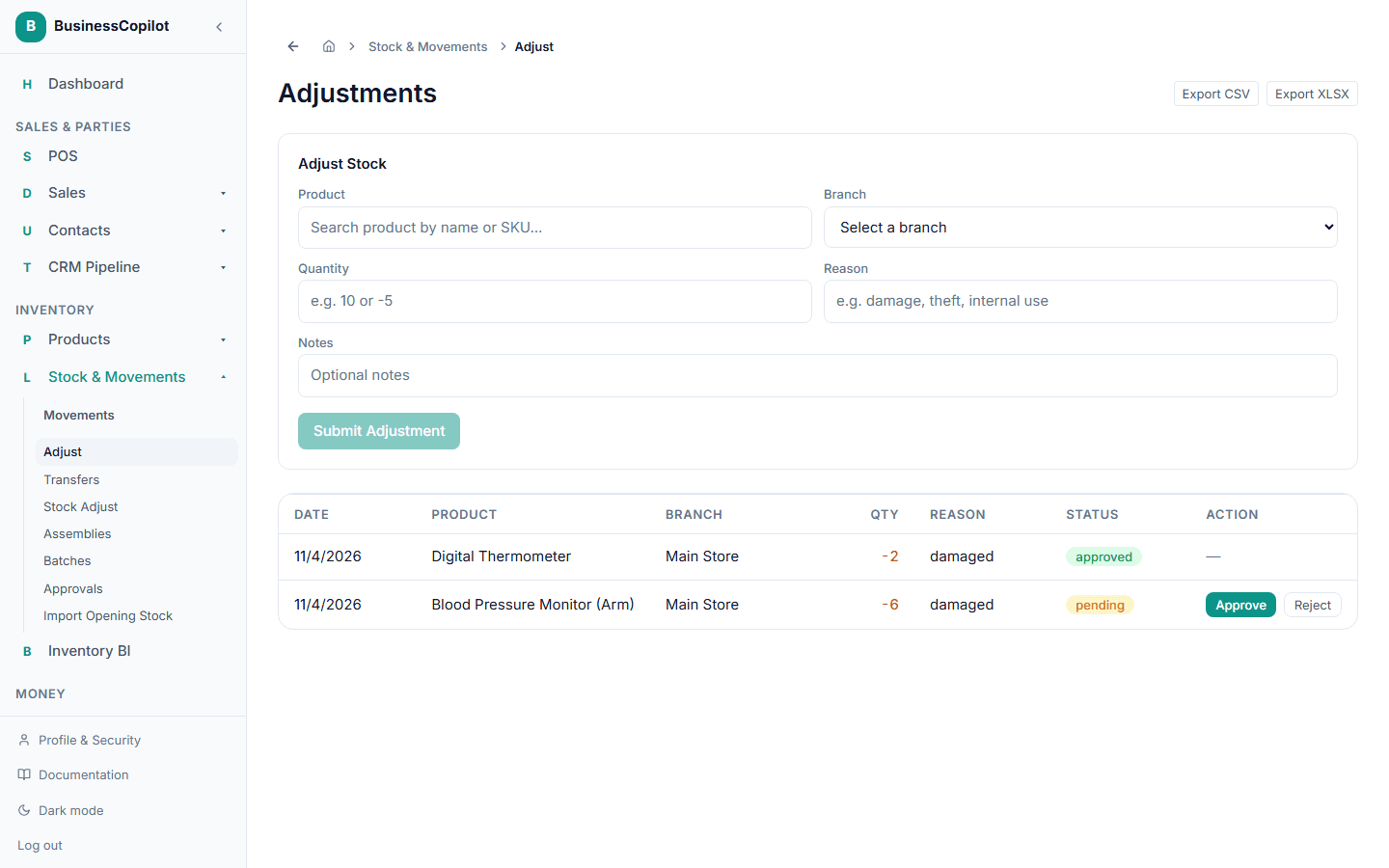
The page also lists your recent adjustments, so you can see what's been corrected and by whom.
If it needs approval first
Small adjustments apply immediately. If your workspace has a threshold set for larger adjustments, the adjustment waits under Pending Approval until an Owner or Manager approves or rejects it — you'll see it listed with the option to act on it, and the stock quantity only changes once it's approved.