Understanding your Profit & Loss at a glance
See what your business earned and spent over a period, and what's left over.
Go to Accounting → Profit & Loss to see whether your business made money over a chosen period.
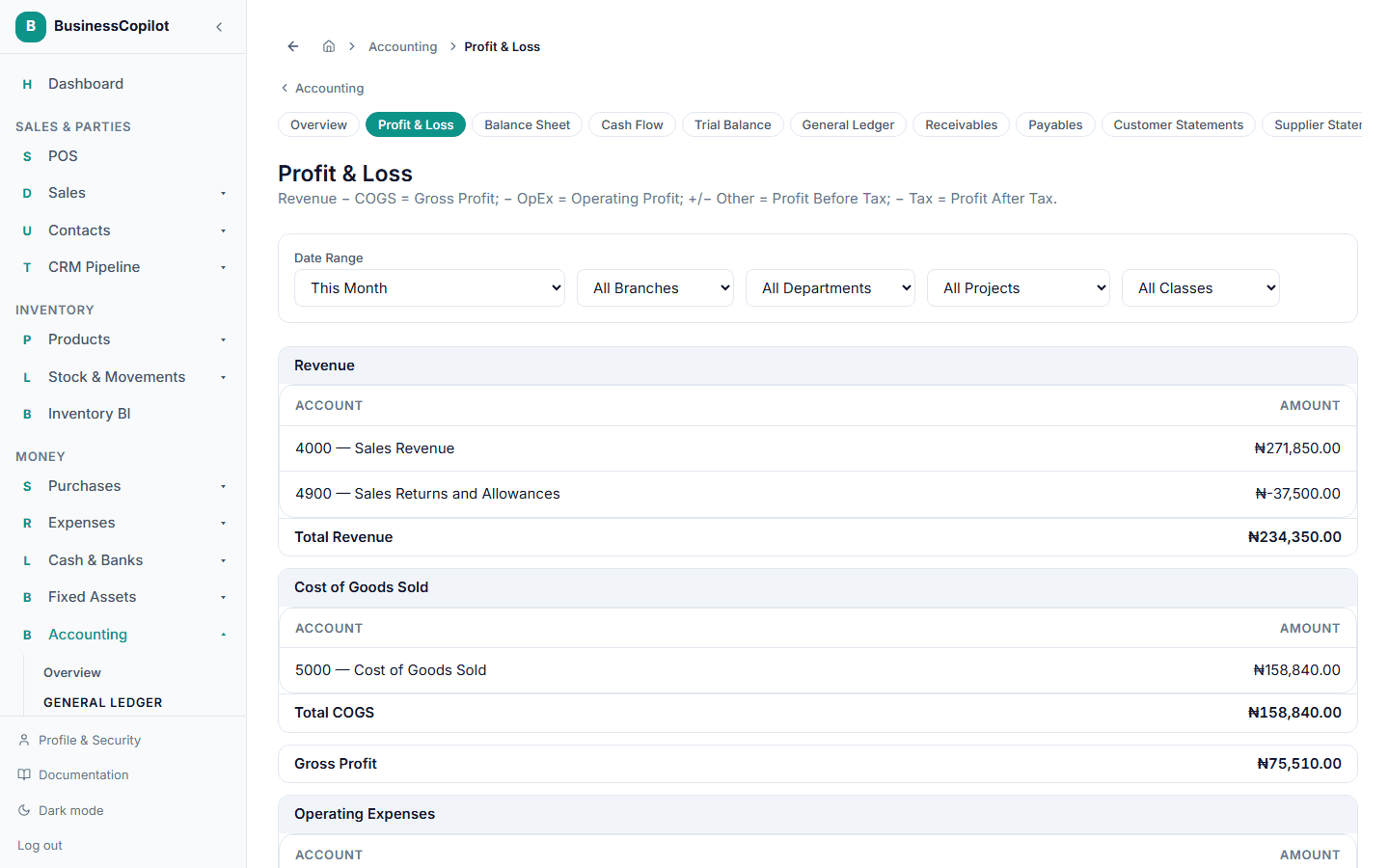
Reading it
Pick a date range (and, if you use them, a branch or department) at the top, and BusinessCopilot lays out:
- Revenue — everything you brought in.
- Cost of Goods Sold — what it cost you to provide what you sold.
- Gross Profit — Revenue minus Cost of Goods Sold.
- Operating Expenses — your day-to-day running costs.
- Other Income / (Expense) and Tax, where they apply.
Each section totals up to your final profit for the period, working down step by step from what you earned to what you actually kept.
If a section is empty, it just means there was no activity of that kind in the period you picked.
If you're an Accountant and want to compare periods, filter by branch or department, or trace a figure back to its source, see Understanding your Profit & Loss (Guide depth) in the Accounting Guide.
Related
What happens automatically when you make a sale or pay an expense
You don't have to do your own bookkeeping — here's what BusinessCopilot handles for you behind the scenes.
Understanding your Balance Sheet at a glance
See what your business owns, what it owes, and what's really yours, as of a given date.