Exporting reports
Download a report as a PDF, Excel, or CSV file.
On any report that supports it, you'll find CSV, XLSX, and PDF buttons at the top of the results.
- Open the report.
- Select the format you want.
- The file downloads straight away.
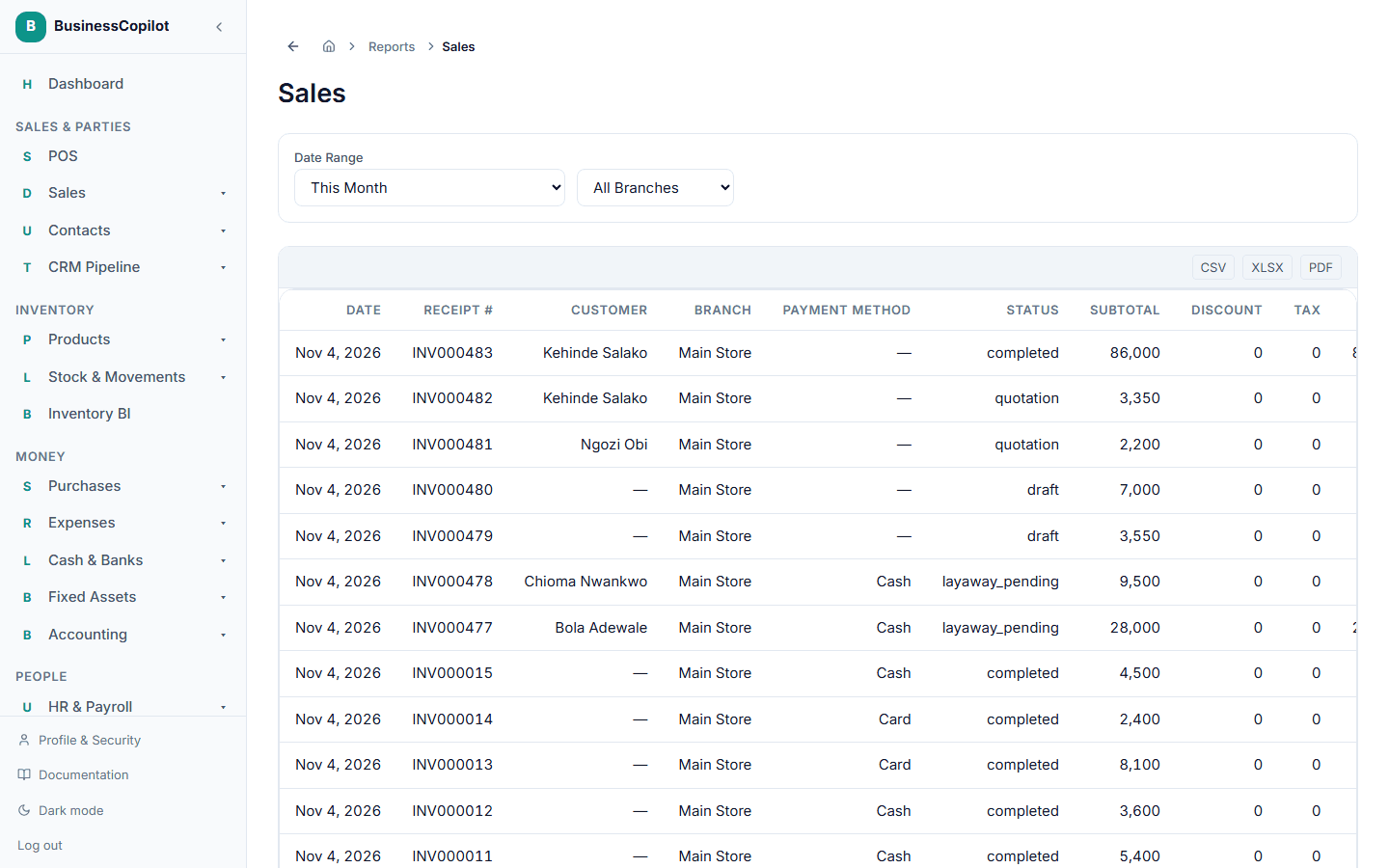
Use CSV or Excel if you want to work with the numbers yourself (in a spreadsheet, for example), or PDF if you want something ready to print or share as-is.
Looking for the Export button on an everyday list instead — like your product catalog or contacts — rather than a formatted report? See Exporting a list.