Managing your leads and sales pipeline
Track a potential customer from first contact through to a won sale.
A lead moves through five stages: New → Contacted → Quoted → Won or Lost.
Adding a lead
- Go to CRM → Leads and select + Add Lead.
- Fill in their details and save.
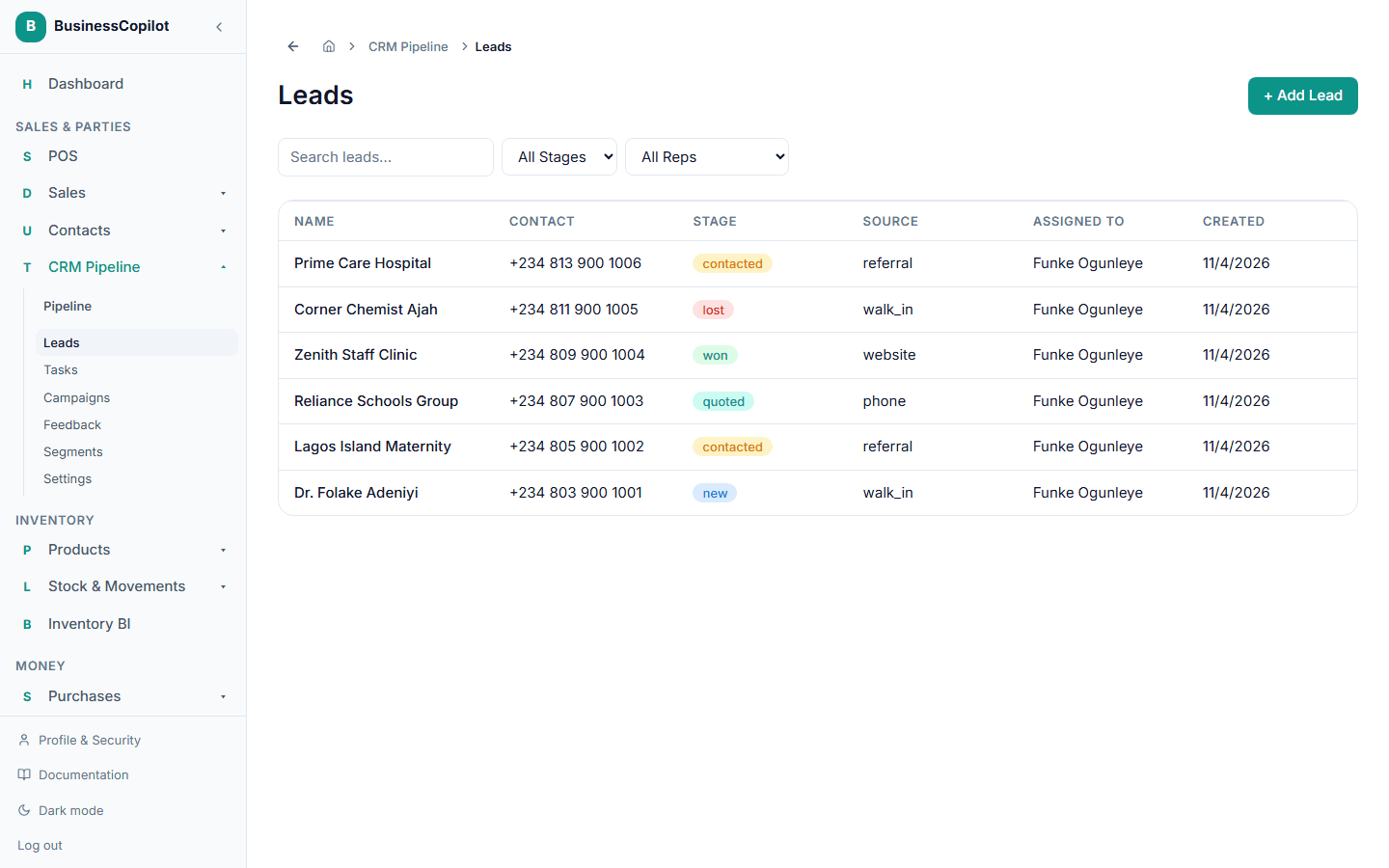
Working a lead
Open a lead to update its stage as it progresses, and log calls or notes as you go — see Logging customer communication.
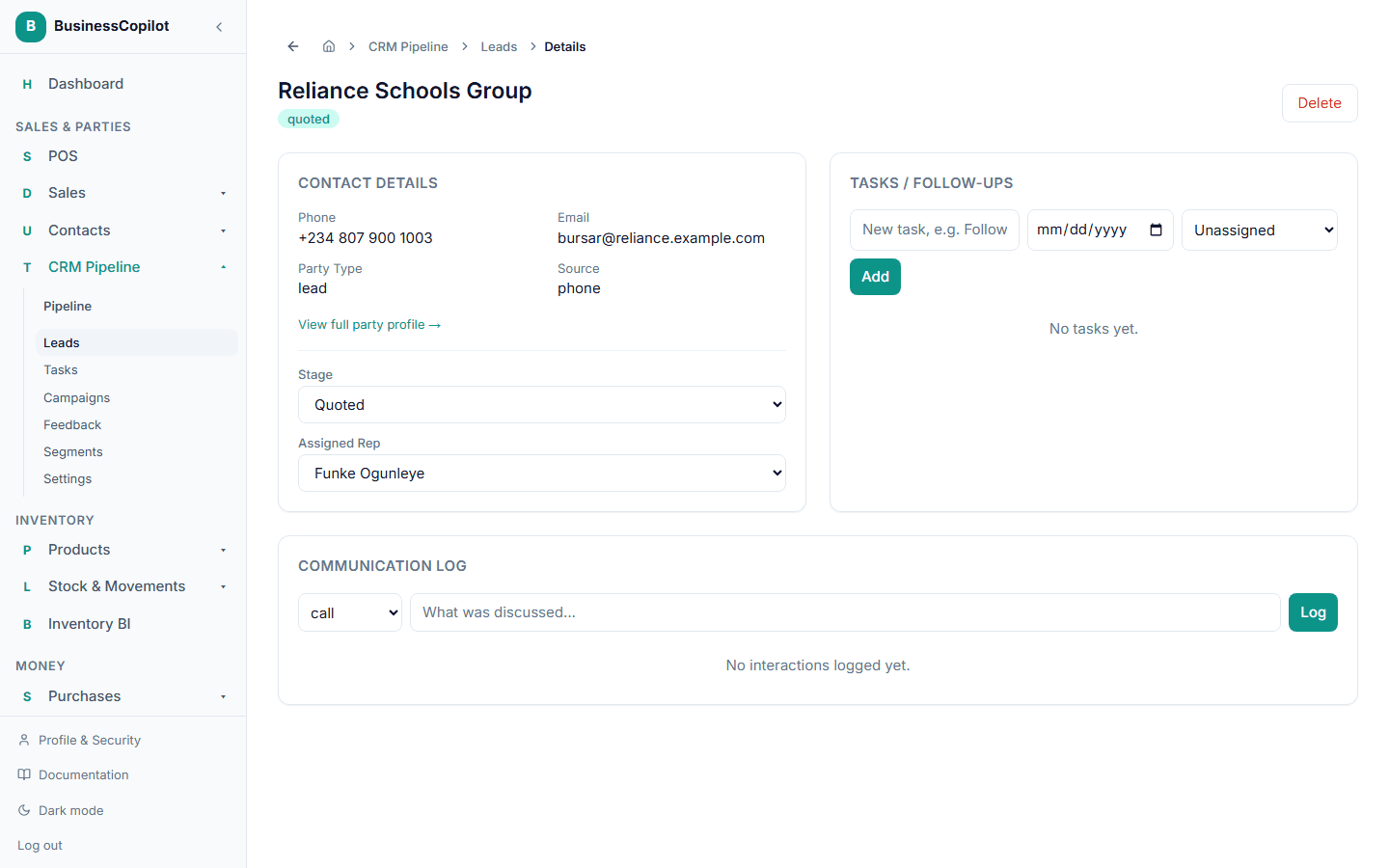
Turning a won lead into a sale
Once a lead is marked Won, select Create Sale on its page to go straight to checkout with that customer already selected.