Scheduling a report to email you
Get a report delivered to your inbox automatically, daily, weekly, or monthly.
- Go to Reports → Scheduled Reports.
- Choose the report — from the library or one you've built yourself.
- Choose how often — Daily, Weekly, or Monthly — and what time.
- Choose the file format — PDF, Excel, or CSV.
- Enter the email addresses that should receive it, separated by commas.
- Save.
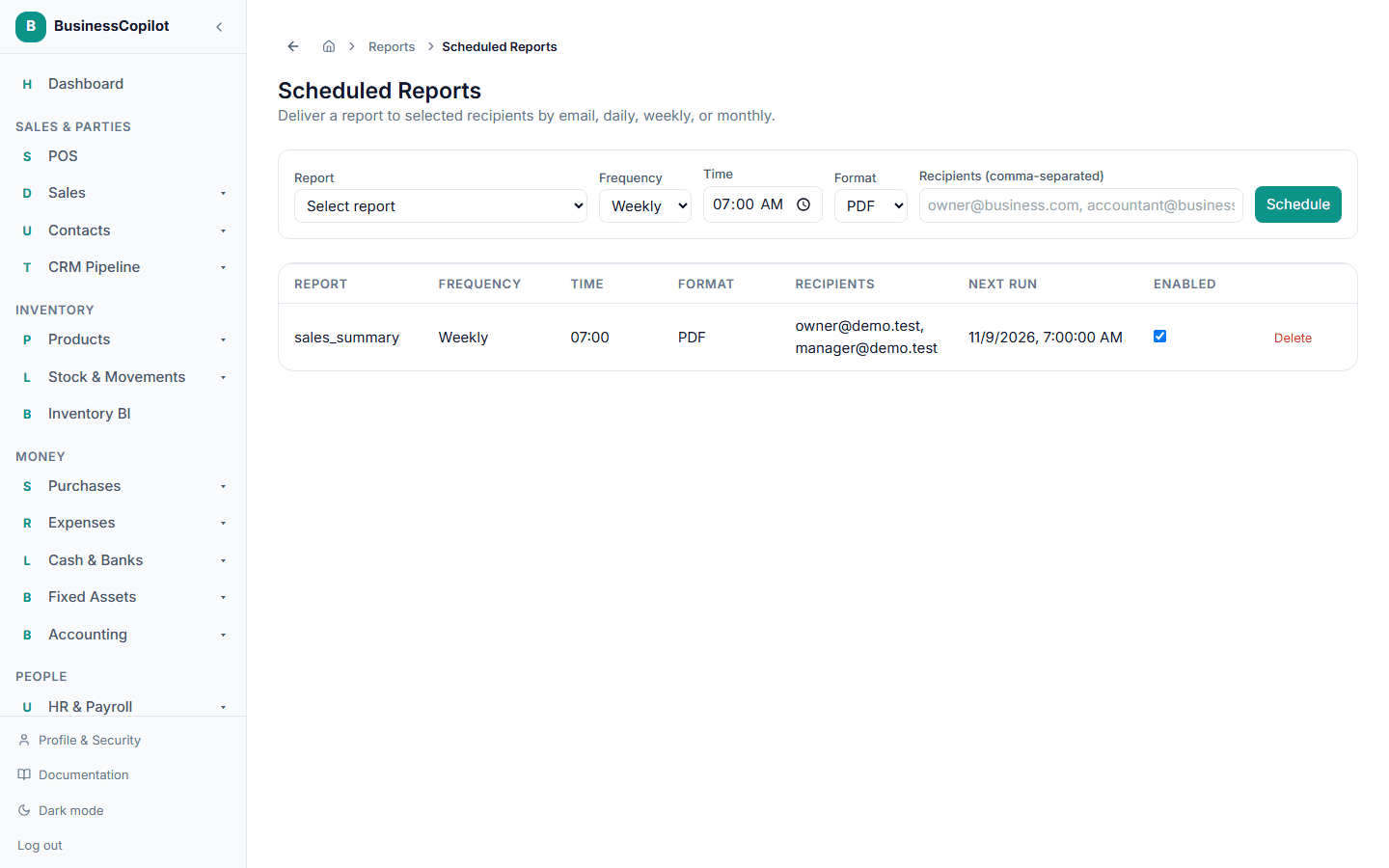
You can turn a schedule on or off, or delete it, at any time from the same page.