Recording a bank transfer between your own accounts
Move money between two accounts you own — like till to bank, or bank to bank.
- Go to Cash & Banks → Transfers.
- Choose the From Account and To Account.
- Enter the Amount and an optional description.
- Select Transfer.
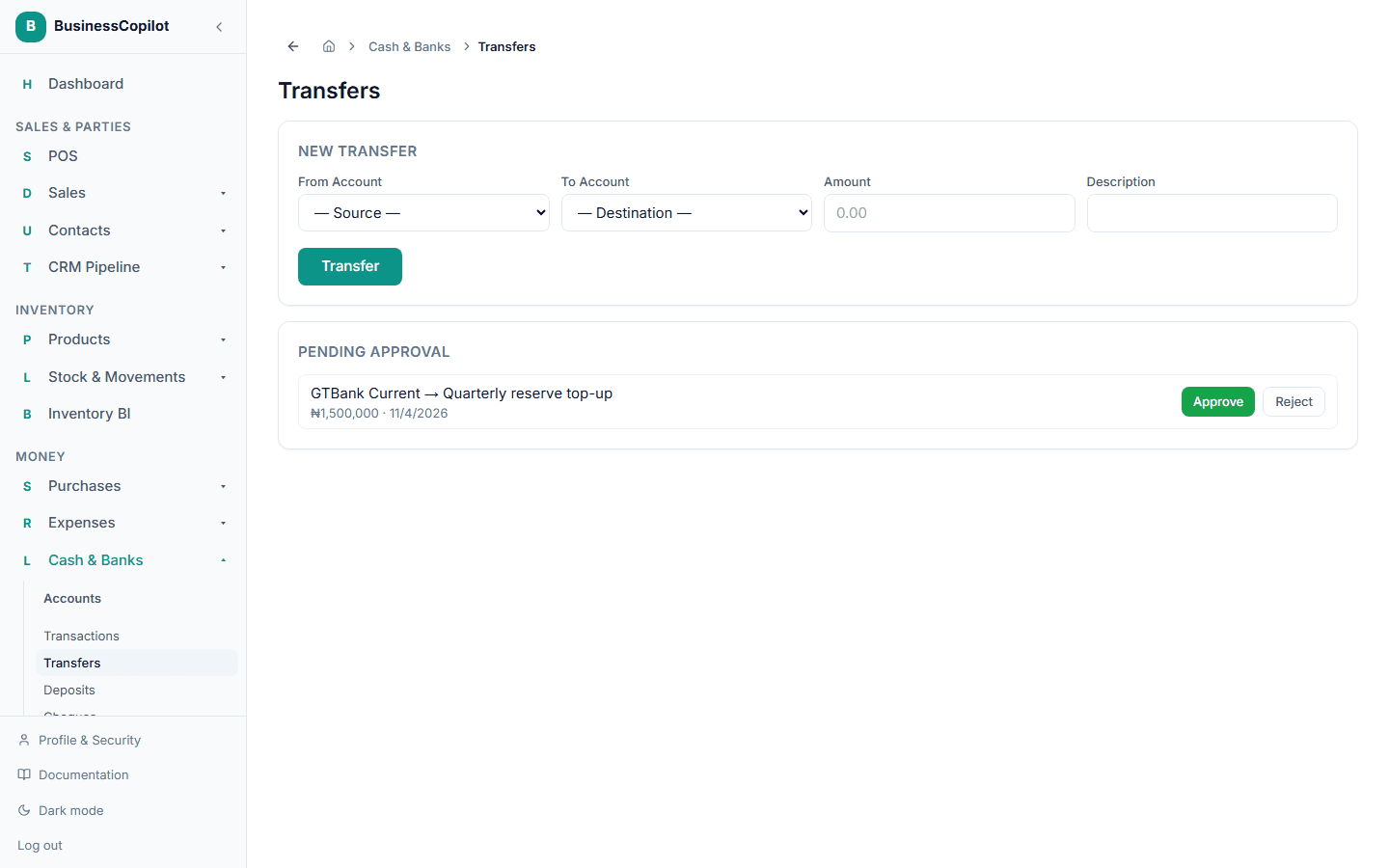
Small transfers apply immediately. If your workspace has a threshold set for larger transfers, the transfer waits under Pending Approval until an Owner or Manager approves or rejects it — you'll see it listed there with the option to act on it.