Understanding the CEO/executive dashboard
One page with the whole business at a glance, tuned to what your role needs to see.
Your Dashboard — what you land on right after logging in — is a live, company-wide view pulling together numbers from every part of the business: Sales, Gross Profit, Cash Position, Outstanding Receivables and Payables, Low Stock Alerts, Purchase Spend, Open Purchase Orders, Total Expenses, Labor Cost, Attendance, and your CRM Pipeline, alongside charts like your sales trend and channel mix, and an Alert Center for anything that needs attention.
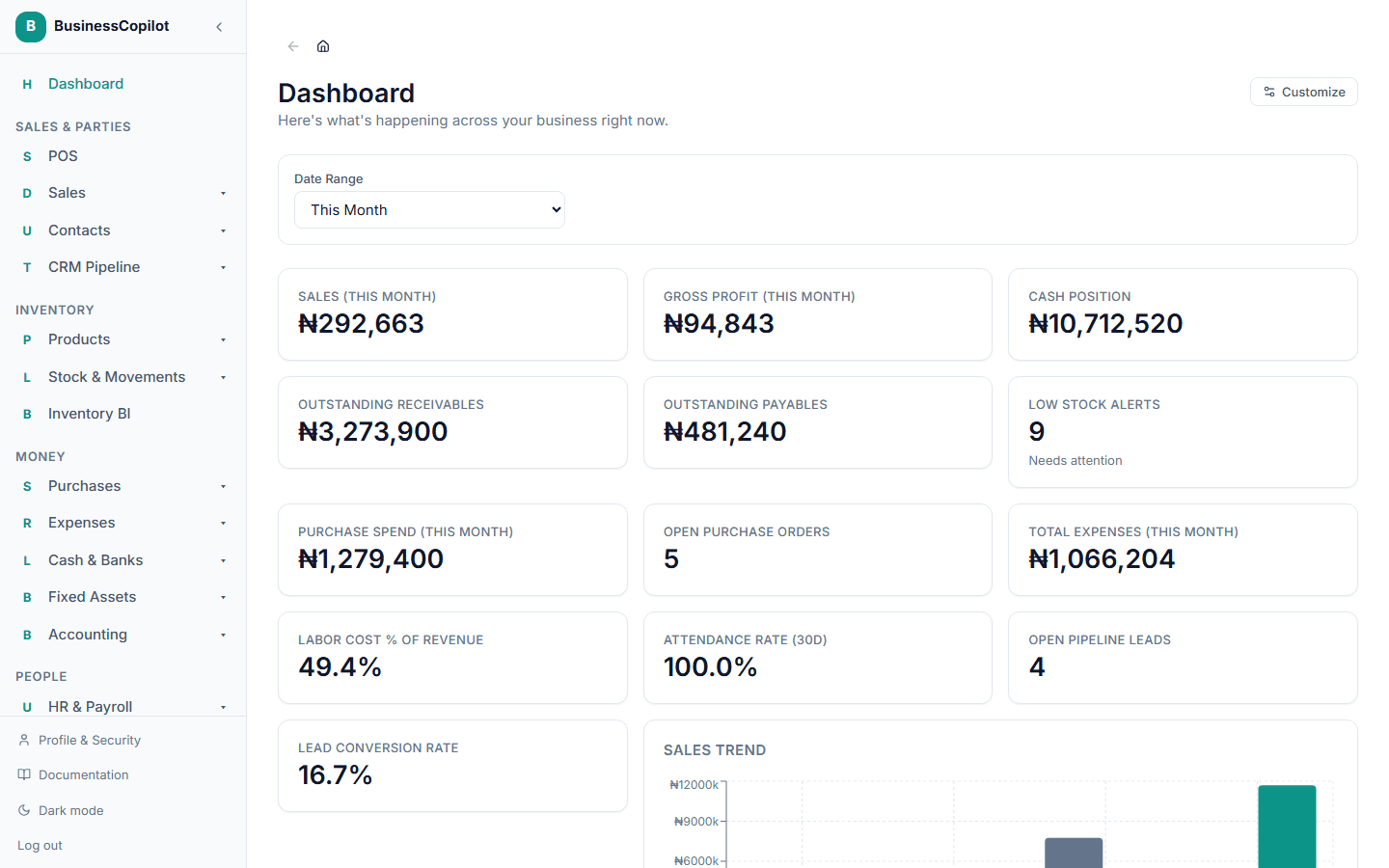
What you actually see is tuned to your role — an Owner sees the whole business, while other roles see what's relevant to them. Select any widget to go straight to that module for more detail.
Filtering and drilling in
The CEO dashboard has a date range picker and, where you have more than one branch, a branch selector. Changing either one updates every tile on the page. Select a tile to open the transactions behind it, with a Back link to the dashboard. See Drilling into a number and Moving between reports.