Printing product labels
Print scannable barcode labels for your products.
Print a barcode label for any product to stick on the shelf or the item itself — scanning it at checkout adds that product to the cart instantly.
- Go to Products and select Labels from the page menu (or Labels on a specific purchase order, to print for everything just received).
- Select the products you want labels for, and how many copies of each.
- Select Print.
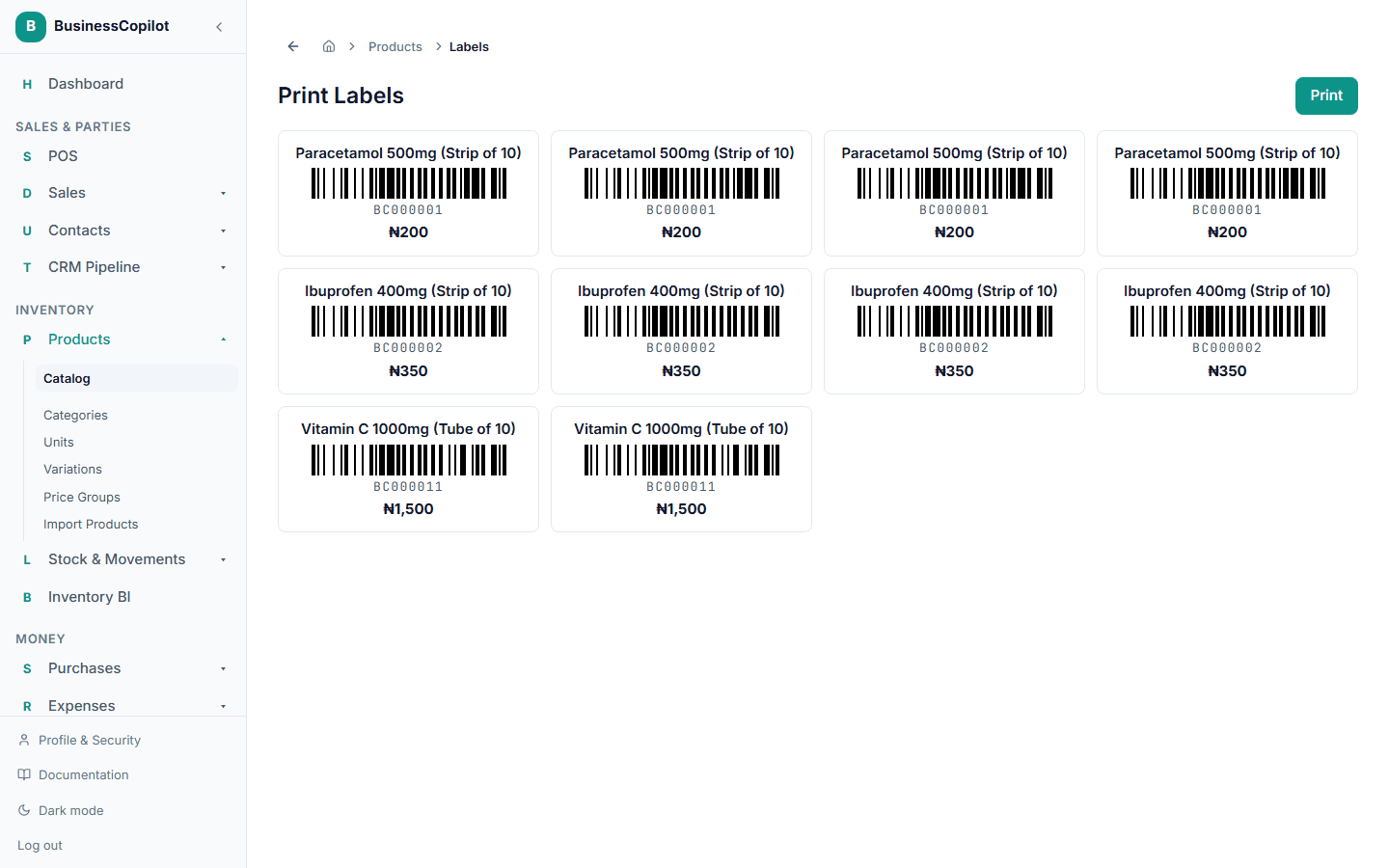
Each label shows the product's name, price, and a real, scannable barcode — not just the number printed as text.
Where you can do this
Labels print the same way on Web, Desktop, and the mobile app.